Managing a vacation rental remotely means running guest communication, cleaning, pricing, and maintenance from a distance using property management software, smart home devices, and a trained local team, rather than handling every task in person. You can do it successfully by combining automation, a dependable local crew, and systems that catch problems before guests notice them.
- Professional operators now control roughly 42% of the estimated 7 million active short-term rental listings globally as of early 2026, according to DataIntelO, meaning remote and semi-remote management is fast becoming the norm rather than the exception.
- A workable remote system rests on four pillars: property management software, smart home technology, a trained local team, and a structured guest communication workflow.
- Automated pre-arrival, check-in, mid-stay, and checkout messages reduce the manual load that burns out self-managing hosts, while still delivering a consistent guest experience.
- The vacation rental management software market is projected to grow from $0.92 billion in 2026 to $2.38 billion by 2034 at an 11.1% CAGR (DataIntelO), reflecting how quickly operators are adopting remote-friendly tools.
- Time-zone gaps and emergency escalation are the two biggest gaps in most remote management plans, and both are fixable with a written protocol rather than more software.
- Boostly gives remote owners a direct booking website, CRM, and automated guest follow-up that runs on its own, so the guest relationship doesn’t depend on you being awake when a message comes in.
If you own or manage a vacation rental you don’t live near, you already know the anxiety: a guest messages at 2am your time about a broken air conditioner, and you’re either asleep or on a plane. Remote management isn’t a workaround for that problem. It’s a full operating system that replaces your physical presence with process, technology, and a local team you trust.
This guide covers what actually works in 2026: the software stack, the smart home layer, how to build and train a local team, the communication cadence that keeps guests happy, and the two things almost every remote-management guide skips, time-zone protocols and emergency escalation scripts. We manage this exact challenge for a global community of hosts and property managers at Boostly, so this is written from direct experience helping operators build systems that don’t require them to be on-site.
Whether you’re running one cabin three states away or a growing portfolio spread across time zones, the goal is the same: guests should never be able to tell you weren’t there.
What Is the 75-55 Rule for Airbnb Hosts?
The 75-55 rule is a rough occupancy benchmark some hosts use to gauge whether a listing is performing well: aiming for around 75% occupancy at a rate that still nets roughly 55% profit margin after costs. It’s not an official Airbnb policy, but a heuristic operators apply to balance volume against profitability.
For remote managers, this rule matters because you can’t eyeball performance the way an on-site host might. You need a dashboard that surfaces occupancy and margin together, not just booking count. If your PMS shows 80% occupancy but your margin has quietly dropped to 30% because of rising cleaning costs or aggressive discounting, the 75-55 framing catches that before it becomes a pattern.
Notably, this is exactly the kind of blind spot that a disconnected tech stack creates. When your channel manager, accounting spreadsheet, and pricing tool don’t talk to each other, you’re reconstructing this ratio manually every month. Boostly’s real-time PMS sync across 27 or more platforms means your occupancy and rate data stay current without you cross-referencing three separate logins.
What Is the 2% Rule for Vacation Rentals?
The 2% rule is an investment screening benchmark stating that a rental property’s monthly income should equal at least 2% of its purchase price to be considered a strong cash-flow investment. A $300,000 property, for example, would need to generate around $6,000 a month to clear this bar.
Remote owners rely on this rule most heavily during the acquisition phase, before management even starts, because it’s a fast filter for whether a property is worth managing from a distance at all. If a deal barely clears 1%, the operational overhead of remote management (a local team, smart home tech, software subscriptions) can erode already thin margins fast.
For existing portfolios, the 2% rule is less about buying decisions and more about triage. As a result, if one property in a multi-unit portfolio consistently underperforms this threshold while others clear it easily, that’s a signal to reprice, renovate, or consider selling rather than pour more remote-management effort into it. Specifically, this is where the STR Portfolio Scaling Investors segment tends to get the most value from tracking gross yield against this benchmark quarterly, not annually.
What Is the 80/20 Rule for Airbnb?
The 80/20 rule applied to Airbnb hosting suggests that roughly 80% of your booking revenue or guest satisfaction outcomes come from about 20% of your effort, typically concentrated in a small set of high-leverage actions: pricing accuracy, response speed, and listing photo quality.
For a remotely managed property, identifying your 20% is the difference between burning hours on low-impact tasks and focusing on what actually moves occupancy and reviews. In our experience working with operators inside the Boostly community, the highest-leverage remote-management actions are consistently: automated messaging that hits response-time expectations, a local team that handles same-day maintenance, and dynamic pricing reviewed weekly in month one.
Notably, guest communication sits at the center of this. Short-term rental platforms commonly expect automated messaging within 5 to 15 minutes and same-day or sub-24-hour maintenance response, and missing either erodes review scores fast. That’s precisely the gap Boostly’s automated guest communication workflows are built to close, covering pre-arrival, check-in, mid-stay, and post-checkout messaging without you manually typing each one from a different time zone.
What Software Do You Need to Manage a Vacation Rental Remotely?
A remote-management software stack typically includes a property management system (PMS) for centralized booking and calendar control, a dynamic pricing tool, a channel manager to sync listings across platforms, and a guest communication system that automates repetitive messaging. Together, these four categories replace most of what an on-site host would otherwise do by hand.
Your PMS is the backbone. It centralizes your calendar, prevents double bookings across Airbnb, VRBO, and Booking.com, and gives you a single dashboard instead of five open browser tabs. Dynamic pricing tools adjust nightly rates based on demand, seasonality, and local events, which matters more the further you are from the property and the local market’s day-to-day rhythm.
For the first month with any new pricing tool, review your rates weekly. Once you trust the logic, monthly checks are usually enough. This is a mistake we see constantly among the Multi-Property STR Operators we work with at Boostly: they set dynamic pricing once and never revisit it, missing local events or seasonal shifts that a human would have caught.
Here’s where remote management gets genuinely hard without the right infrastructure: your website, your PMS, and your guest database usually live in three different systems that don’t sync. That’s the exact problem Boostly was built to solve. Boostly integrates with 27 or more PMS platforms with real-time syncing of availability, pricing, and listings, and pairs that with a built-in CRM so your guest data lives in one place, not scattered across OTA inboxes you can’t export. New members get CRM access within 24 hours of signing up, along with AI tools and templates to keep the whole stack coordinated. Learn more about how to build a direct booking website that connects to this stack from day one.
Should You Keep Using OTAs While Managing Remotely?
Yes. A direct booking website works alongside Airbnb and VRBO rather than replacing them entirely. OTAs still drive discovery for new guests, while a direct channel captures repeat bookings and reduces the commission you pay on guests who already know and trust your property.
How Does Smart Home Technology Support Remote Management?
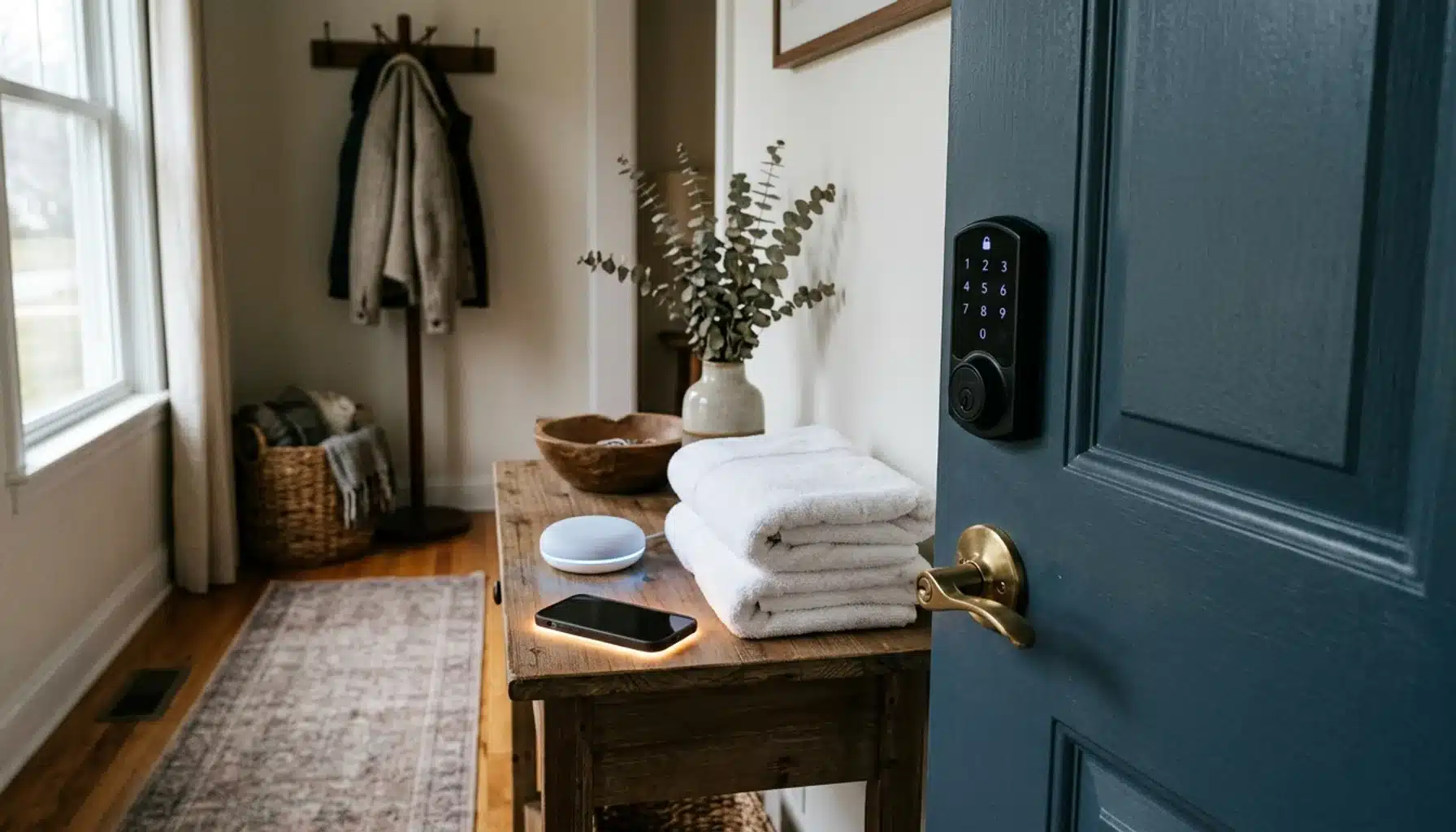
Smart home technology, specifically smart locks, thermostats, and noise monitors, lets you manage physical access, comfort, and security at a property without being on-site. Smart locks issue unique, time-bound access codes so guests check in and out without key exchanges or lockboxes, while remote alerts flag issues before they become guest complaints.
Smart locks are the single highest-leverage piece of hardware for remote hosts. They eliminate the need for anyone, you or a local contact, to physically hand over keys, and they generate an entry log you can check from anywhere. Pair a smart lock with a smart thermostat (Nest and Honeywell are common choices) and you get remote temperature control plus energy monitoring, which matters if a heating or cooling system fails while the property sits empty between bookings.
Noise monitors add a layer most first-time remote hosts overlook. They flag unusual noise levels, useful for catching unauthorized parties or occupancy violations, without recording actual audio, which matters for guest privacy. Combined with package delivery notifications, this gives you a security layer that doesn’t require a camera pointed at a guest’s front door.
Where Should You Draw the Line on Security Cameras?
Exterior cameras covering entryways and shared spaces are broadly accepted, but interior cameras inside guest-occupied spaces raise both trust and legal issues. Many jurisdictions require clear disclosure of any recording device in a listing, and data from these devices should be stored securely and only as long as necessary, particularly under privacy frameworks like GDPR if you host international guests.
How Do You Build a Local Team You Can Actually Trust Remotely?
Building a remote-trustworthy local team starts with hiring a dedicated local property manager or lead contact who coordinates cleaners, handymen, and emergency responders on your behalf. This person becomes your eyes and hands on the ground, and the relationship only works with written response-time expectations and clear communication channels agreed upfront.
Most remote-management guides tell you to “hire a local team” and stop there. That’s not enough. You need a written onboarding packet: a checklist for cleaners covering exact turnover standards, a maintenance contact list with response-time SLAs (same-day for urgent issues, 48 hours for non-urgent), and a shared communication channel, a group chat or PMS-integrated messaging thread, so nothing gets lost between texts and emails.
Before you hand off any responsibility, test the system yourself. Book a one-night stay at your own property using a secondary account. Walk through every automated message, the check-in process, and the digital guidebook exactly as a guest would. This single exercise catches gaps that no amount of remote monitoring will reveal, a door code that doesn’t work, a guidebook link that’s dead, a cleaner who missed a room.
For portfolios spanning multiple markets, this is where things get genuinely complicated, and it’s an area most guides underexplain. If you’re managing properties across three time zones, your local team’s response window overlaps differently with your own availability in each market. Build a simple table mapping each property to its local team’s working hours against your own, and flag the overlap gaps where a guest issue could sit unanswered for hours. That gap is exactly where escalation protocols (covered below) earn their keep.
Operators scaling past a handful of units run into this constantly, and it’s a topic we cover in depth in our guide on tactics to manage STR properties remotely and in our case study on handling 350 units across six markets.
What Guest Communication Workflow Keeps the Experience Consistent?
A remote-ready guest communication workflow sends at least four automated touchpoints: a pre-arrival message with logistics, a check-in confirmation, a mid-stay check-in, and a post-checkout review request. This cadence replaces the informal, in-person reassurance an on-site host would otherwise provide.
Specifically, send your first pre-arrival message roughly 48 hours before check-in, including door codes, parking instructions, and a link to a digital guidebook. A second message on check-in day confirms arrival instructions in real time. A mid-stay message, ideally sent on day two of the guest’s stay, opens the door for guests to flag small issues before they escalate into a bad review. Finally, a checkout reminder paired with a review request closes the loop.
A structured digital guidebook, hosted as its own page rather than buried in a PDF, does a lot of the communication work automatically. It answers the Wi-Fi password, trash day, and “where’s the nearest grocery store” questions before a guest even needs to message you, which matters enormously when you’re asleep in a different time zone than your guest.
Here’s the gap almost nobody addresses directly: what happens when a guest’s message comes in at 3am your time and there’s a real problem, no hot water, a lockout, a noise complaint from a neighbor. Automation handles routine questions well, but it can’t resolve a broken water heater. That’s why your local team’s escalation path (see below) has to be written down, tested, and shared with every guest as part of your check-in message, not improvised in the moment.
Once a guest has stayed with you and had a smooth experience, the real opportunity is turning them into a repeat direct booker rather than losing them back to an OTA search next time. A repeat direct booking on a $2,000 stay saves a host between $310 and $640 compared to booking the same stay through an OTA, according to Houfy’s 2026 analysis. That’s the exact mechanism Boostly’s CRM and automated follow-up sequences are designed around: capturing guest details from every direct booking and triggering post-checkout emails that invite a return stay, so your best guests come back to you directly instead of re-entering the OTA funnel.

How Do You Handle Emergencies and Time Zones When You’re Not On-Site?
Remote emergency management requires a written escalation matrix that assigns a specific person, in order, to each type of crisis, from lockouts to medical emergencies, with clear time-zone-adjusted response windows. Without this document, every emergency becomes an improvised phone tree at the worst possible moment.
Build a simple three-tier matrix. Tier one covers routine issues (Wi-Fi down, appliance question) handled by your automated guidebook or a text to your local contact within a few hours. Tier two covers urgent but non-life-threatening issues (lockout, no heat, plumbing leak) requiring your local property manager to respond same-day, ideally within two to four hours. Tier three covers genuine emergencies (fire, medical, security threat) where guests are instructed to call local emergency services first and notify you second.
Time zones are the quiet failure point in most remote setups. If you manage a property nine hours ahead of your own time zone, a guest emergency at their 8pm is your 5am. Your local team needs explicit authority to act without waiting for your sign-off on tier-two and tier-three issues. Document this authority in writing, not just verbally, so there’s no ambiguity when a decision needs to happen fast.
Give every guest your local contact’s direct number in the check-in message, not just your own. This single change removes the time-zone bottleneck from the guest’s perspective entirely, they call someone who’s actually awake and nearby, rather than waiting for you to see a notification.
What Are the Legal and Tax Considerations for Remote Owners?
Remote vacation rental owners must secure local permits or registration numbers before listing on platforms like Airbnb, VRBO, or Booking.com, and ensure their listings correctly collect and remit local occupancy taxes, since managing from a distance doesn’t exempt you from local compliance requirements.
Many jurisdictions now require platforms to automatically collect occupancy tax on a host’s behalf, but this only works correctly if your listing’s tax settings match your property’s actual local rate, something easy to overlook when you’re not physically checking local signage or talking to neighboring hosts. Some markets also cap the number of days a property can operate as a short-term rental, often somewhere between 90 and 180 days annually, which means a remote manager needs a calendar system that actively enforces those caps rather than trusting memory.
This is genuinely one of the areas where remote management carries more risk than on-site hosting, because you’re less likely to hear about a new local ordinance secondhand. Build a quarterly habit of checking your city or county’s short-term rental page directly, and consider assigning this task explicitly to your local property manager as part of their written responsibilities.
How Do You Track Performance and Financials From a Distance?
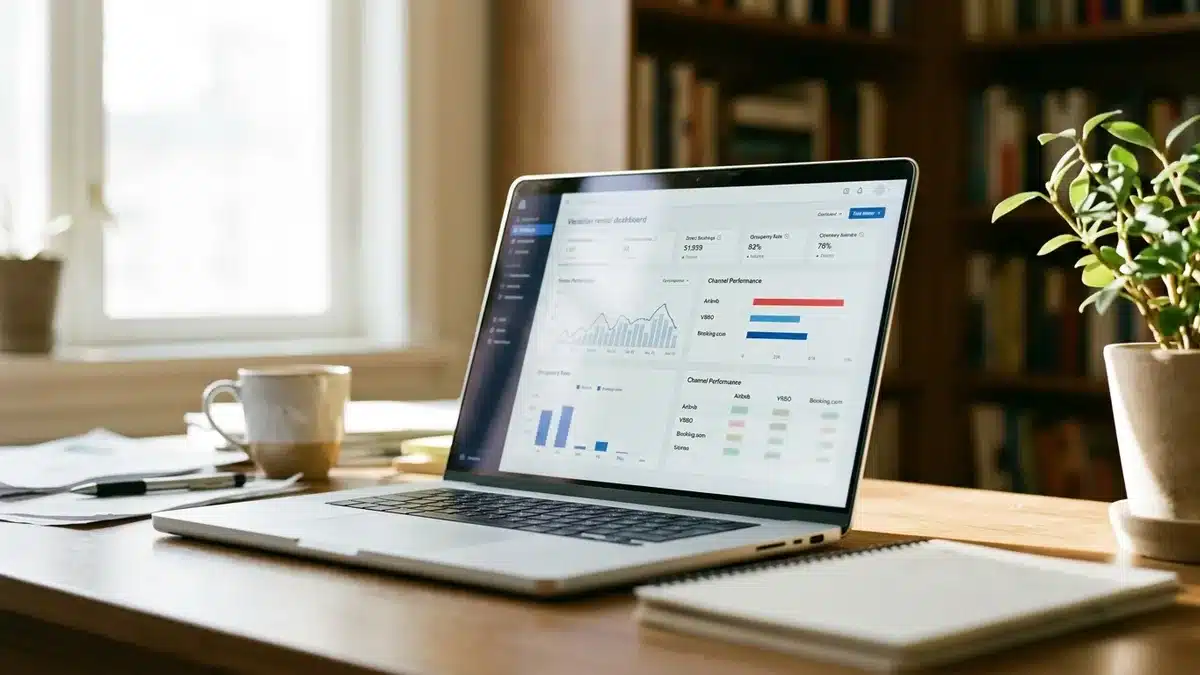
Tracking a remotely managed vacation rental’s performance means monitoring occupancy rate, average daily rate, net margin, and guest-experience indicators like review sentiment and repeat booking rate through a centralized dashboard, rather than reconstructing these figures from separate OTA payout reports each month.
Financial tracking gets messy fast when income arrives from three different OTAs plus a direct booking channel, each with different payout schedules and fee structures. Consolidate this into one spreadsheet or accounting tool monthly at minimum, and flag any property whose net margin is drifting away from your target (see the 75-55 framing above) before it becomes a full quarter’s problem.
Guest-experience tracking deserves equal weight, not just revenue. Review sentiment, response time to guest messages, and repeat-booking rate are leading indicators of problems that revenue numbers won’t show until months later. Notably, one Gulf Coast study found 89.4% of survey respondents were repeat visitors at vacation rentals along the Alabama and Northwest Florida coastline (Journal of Travel & Tourism Insights, Grand Valley State University), underscoring just how much revenue sits in returning guests rather than first-time bookers. If your repeat-booking rate is trending down, that’s often a signal about guest experience quality, not just marketing reach.
Boostly’s reporting tools give remote owners visibility into exactly this: direct booking conversion, traffic sources, and repeat guest percentage, so you always know whether your direct channel is on track without stitching together three OTA dashboards by hand.
Remote Management Software Comparison: What to Prioritize
The table below breaks down the core categories of tools a remotely managed property needs, and what to prioritize in each, based on operational research as of 2026.
| Category | What It Solves | Priority for Remote Owners |
|---|---|---|
| PMS / Channel Manager | Prevents double bookings, centralizes calendar across OTAs | Essential from day one |
| Dynamic Pricing | Adjusts rates for demand/seasonality without manual updates | High; review weekly in month one |
| Direct Booking Website + CRM | Captures guest data, reduces OTA commission dependence | High; compounds over time via repeat guests |
| Smart Locks | Remote check-in/out without key handoffs | Essential for any unattended property |
| Smart Thermostats | Remote comfort control, energy monitoring, HVAC alerts | Medium to high, especially in extreme climates |
| Noise Monitors | Flags party risk and occupancy violations without audio recording | Medium; useful in HOA or noise-sensitive areas |
| Local Property Manager | Handles in-person maintenance, cleaning coordination, emergencies | Essential; this is the piece software can’t replace |
Notice that a local property manager sits at the bottom of the table but carries an “essential” priority rating. No amount of software replaces the physical presence someone needs when a pipe bursts. Software reduces how often you need that presence; it doesn’t eliminate the need entirely.
Common Mistakes to Avoid When Managing a Vacation Rental Remotely
- Setting dynamic pricing once and forgetting it. Review weekly for the first month, then monthly. Local events and seasonal shifts get missed otherwise.
- Skipping the self-test. Book your own property with a secondary account before relying on your automated systems with real guests.
- No written escalation matrix. Verbal understanding with your local team breaks down exactly when you need it most, during an actual emergency.
- Treating OTAs as your only channel. Repeat guests are your cheapest bookings; without a direct channel and CRM, you lose that guest back to OTA search every time. Our guide to growing a vacation rental business beyond OTAs covers this transition in detail.
- Ignoring local tax and permit updates. Remote managers hear about ordinance changes secondhand, or not at all. Build a quarterly check into your calendar.
- Interior cameras without disclosure. This is both a trust issue and, in many places, a legal one. Exterior-only coverage with clear listing disclosure is the safer standard.
For a broader look at the operational tactics that make multi-property remote management sustainable at scale, see our piece on the mindset behind growing a large STR company, and for the tools side specifically, our guide to guest services software innovations.
Frequently Asked Questions
What’s the best software for managing vacation rentals remotely?
The best setup pairs a PMS with real-time channel sync, a dynamic pricing tool, and a direct booking website with built-in CRM, rather than relying on a single all-in-one tool. Boostly covers the direct booking and CRM layer with real-time sync across 27 or more PMS platforms, so your calendar and guest data stay consistent regardless of which management software you already use.
Can you manage a vacation rental remotely without hiring a local team?
It’s technically possible for very hands-off situations, but not recommended. Smart locks and automated messaging handle routine tasks, but physical issues like maintenance, cleaning quality checks, and emergencies require someone on the ground. A local property manager or trusted contact is the piece no software replaces.
How do you handle guest emergencies in a different time zone?
Build a written three-tier escalation matrix that assigns response ownership by issue severity, with your local team empowered to act on tier-two and tier-three issues without waiting for your approval. Give guests your local contact’s direct number in the check-in message so time-zone gaps don’t delay urgent responses.
Do smart locks work for remote check-in and check-out?
Yes. Smart locks issue unique, time-bound access codes so guests can check in and out without meeting anyone or using a lockbox. They also generate entry logs you can review remotely, which adds a security layer that physical keys can’t provide.
How often should you review pricing on a remotely managed rental?
Review dynamic pricing weekly during your first month with any new pricing tool or newly acquired property, then shift to monthly reviews once you trust the pricing logic and have seen it through at least one full demand cycle, including local events and seasonal shifts.
What should go in a digital guidebook for remote guests?
A structured digital guidebook should cover Wi-Fi details, door code and check-in instructions, house rules, trash and parking logistics, and local recommendations. Hosting it as a dedicated page rather than a static PDF makes it easier to update and reduces the routine questions that would otherwise land in your inbox at odd hours.
Is it legal to use security cameras in a remotely managed vacation rental?
Exterior cameras covering entryways are generally accepted with proper disclosure in your listing, but interior cameras in guest spaces raise significant privacy and, in some jurisdictions, legal concerns. Always disclose any recording device clearly and check local and international privacy rules, including GDPR, if you host international guests.
How do you know if your remote-managed property is actually profitable?
Track occupancy rate alongside net margin, not just revenue or booking count, using a benchmark like the 75-55 rule as a rough gauge. Pair that with guest-experience indicators like review sentiment and repeat-booking rate, since a property can look busy on paper while quietly losing money or guest goodwill.
The Bottom Line on Managing a Vacation Rental Remotely
Remote management works when process replaces presence, not when software alone tries to. The operators who succeed at this in 2026 combine a synced PMS, smart home hardware, a trained local team with written escalation authority, and a communication cadence guests can’t distinguish from an on-site host’s.
Start with the piece that’s actually missing from your current setup, whether that’s a written emergency matrix, a tested guidebook, or a direct channel that doesn’t leave your guest relationship sitting inside someone else’s platform. If it’s the latter, that’s exactly where we can help. Boostly builds your direct booking website live within 35 days, syncs in real time with your existing PMS, and backs the results with a guarantee: 65% direct bookings within 12 months, or your money back plus $1,000.
If you’re managing a property you can’t check on in person, a direct booking channel and CRM take one major variable off your plate: guests who already trust you can rebook without you lifting a finger. Book a demo with Boostly and see exactly what the first 35 days look like for your property.