
Knowing how to create content for Airbnb host businesses comes down to one workflow: record the facts about your property once, then reuse them in listing photos and copy, short social posts, and guest emails that point people to your own website. Work in that order and every channel stays consistent and easy to maintain.
Key Takeaways
- Airbnb host content does two jobs: it converts people already browsing your Airbnb listing, and it pulls guests toward a booking channel you own.
- Start with a written fact sheet covering amenities, travel times, accessibility and house rules, so your listing, posts and neighbourhood guide never contradict each other.
- Airbnb's own photo guidance asks for at least five photos, a minimum of 1200 by 800 pixels, and natural light; the same library then feeds your social posts and website.
- Plan posts backwards from how far ahead your guests book, and give slow dates their own dated, specific content.
- Measure content with tagged links, saves, enquiries and direct bookings, because OTA dashboards only show OTA-side data.
- Boostly builds the direct booking website your content points to, syncs it with 27+ PMS platforms, and gives members templates, AI tools and 80+ hours of training so you never start from a blank page.
Most hosts treat content as a one-off chore at listing time: upload photos, write a few paragraphs, move on. Then occupancy dips, and the Airbnb host-only fee takes 15.5% of every booking, which is $310 on a $2,000 stay. You have no audience of your own to fall back on.
Time is the other constraint. A 2026 survey by Fiverr International Ltd. covering nearly 6,000 small businesses across 25 countries found that 70% spend less than five hours a week on marketing. A 2026 study by BIA Advisory Services found that 66% name posting content with the right message as their biggest obstacle. Hosts feel both pressures at once.
At Boostly, we work with STR hosts every day who are stuck in exactly this position: strong occupancy, thin margins and no content plan beyond the listing. This guide gives you a nine-step process for 2026 that keeps your Airbnb listing live while you build a direct channel alongside it.
What Does Content Mean for an Airbnb Host, and Where Should It Live?
Content for an Airbnb host is any photo, video, description, post or email that helps a prospective guest picture your property and choose it. It splits into on-platform content, which converts people already browsing Airbnb, and off-platform content, which builds demand you own.
The split matters because the two jobs need different content. On Airbnb you compete with every other listing in the results. Off-platform, you reach guests who already know you, and no commission applies when they book.
| Channel | Main job | Typical content |
|---|---|---|
| Airbnb listing | Convert browsers into bookings | Photo tour, title, description, captions |
| Social media | Build awareness and trust | Tours, local tips, guest stories, short video |
| Direct booking website | Convert traffic you own | Property pages, neighbourhood guide, booking engine |
| Email and SMS | Bring past guests back | Seasonal offers, amenity updates, early access |
The third row is where most hosts stall. A booking button bolted onto a generic template rarely converts, which is why we built Boostly as a done-for-you direct booking website that goes live within 35 days, with no coding. Your Airbnb listing stays active, so nothing you create is wasted. Our walkthrough on building a direct booking website covers that side in detail.
Step 1: How Do You Build a Single Source of Truth for Your Property?
A single source of truth is one document holding every verified fact about your rental. Every photo caption, post and email draws from it, so no channel contradicts another. Without it, Instagram says ‘ten minutes to the beach', the listing says ‘a short drive', and a guest arrives to find it takes twenty.
Include these items, and update the document the moment anything changes:
- Amenities, including what is not provided (for example, ‘no dishwasher, no air conditioning')
- Travel times you have tested yourself, by car and on foot, such as '12 minutes by car to the station, 25 on foot'
- Accessibility details, such as three steps at the entrance
- Seasonal notes on what closes in winter or peaks in summer
- A short list of approved phrases and hashtags
Availability and rates change fastest of all. Boostly syncs listings, availability and pricing in real time across 27+ PMS platforms, so your website never advertises a date that is already taken.
Step 2: How Do You Shoot Photos and Video That Win the Click?
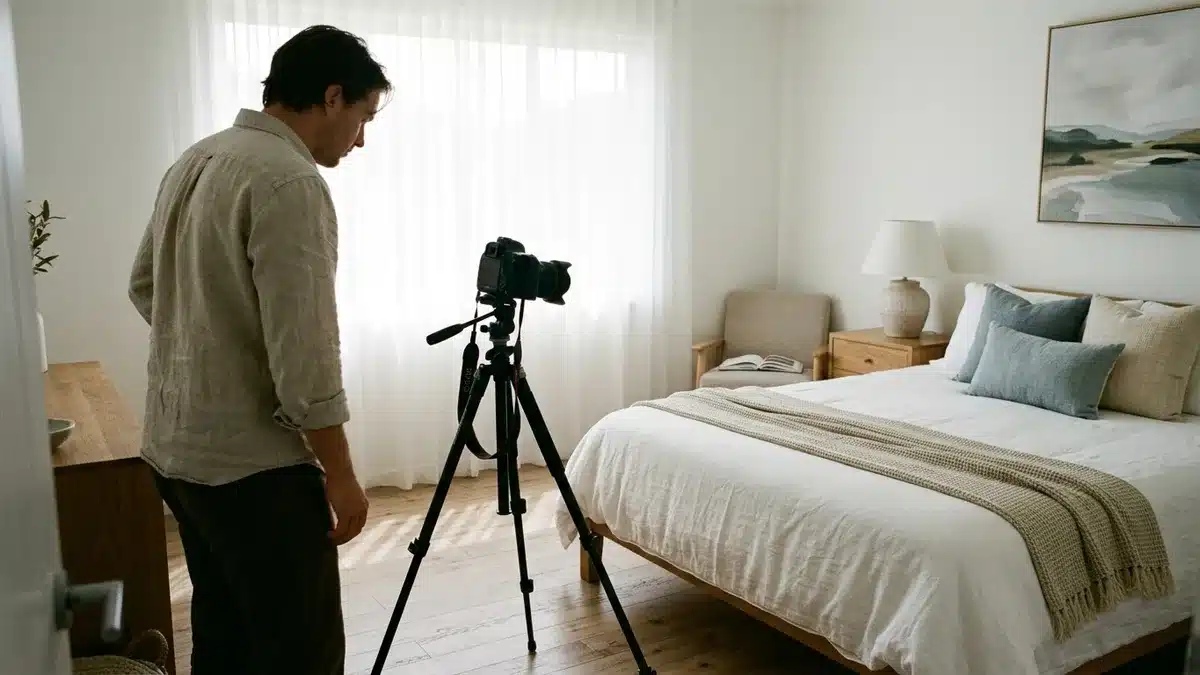
Listing photography is the content guests meet before they read a word. Airbnb's host guidance recommends at least five photos to get started, a minimum size of 1200 by 800 pixels, and shooting indoors when each room has the most daylight. Outdoors, it suggests the 60 minutes after sunrise or before sunset.
Stage rooms clean and clear of clutter, mix wide-angle and close-up shots, and cover every space guests can use, including the exterior and neighbourhood. Call out the features that sell: a fireplace, artwork, a backyard barbecue. Files can be up to about 10 megabytes, so export at full quality.
Shoot a short vertical walk-through in the same session. Landscape stills serve the listing and website; vertical clips and crops serve Reels and Stories. One shoot, several outputs. A host with a two-bedroom cottage might shoot the kitchen at 9am, the garden at sunset, and a 20-second vertical clip of the front door opening onto the living room. Boostly websites are built around your photography, with property pages that give your best shots far more room than a marketplace grid does.
How Do You Make Photos and Posts Accessible?
Accessible content describes what is physically there. Write alt text in plain language, such as ‘King bedroom with step-free access from the hallway', and add captions to video so it works without sound. Describe barriers accurately: state the real number of steps at the entrance and whether the bathroom has a walk-in shower. Airbnb's Help Center supports accessible-feature photos and alt text. Guests with mobility needs trust hosts who are specific, and an honest description prevents a poor review before it starts.
Step 3: How Do You Write Titles and Descriptions Guests Trust?
A good title and description name the most distinctive feature and the property type in plain language, then back it up with accurate detail. Airbnb's own example, ‘Cozy cabin with chef's kitchen', shows the pattern: one standout amenity plus a clear place type.
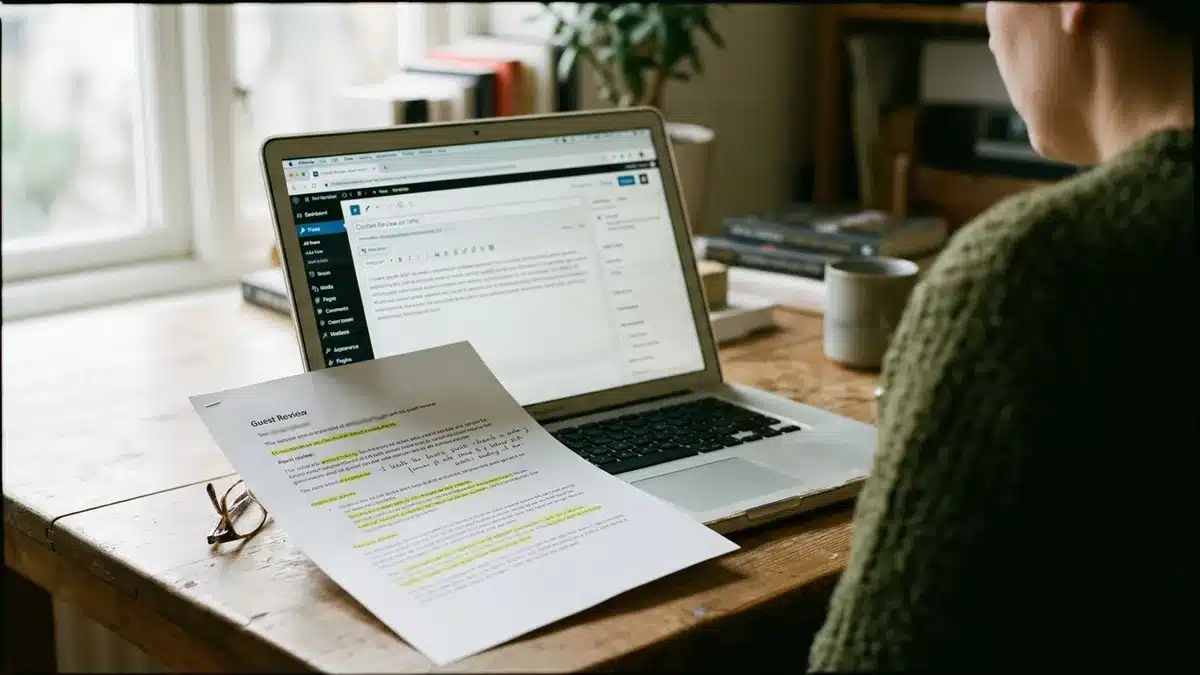
Mine your guest reviews first. The phrases guests repeat are the words other guests use when they search. If three reviews mention ‘the quiet garden', that phrase belongs in your title or first caption. Use captions to add facts, as in Airbnb's example ‘The dining table expands to seat 10 people'. Then rewrite the wording for your website so the page reads in your own voice rather than as a pasted copy of the listing.
Boostly members get templates and AI tools built for STR marketing, so descriptions, page copy and captions start from a structured draft instead of a blank page.
Step 4: What Should You Post on Social Media, and Which Platforms Fit?
Social media content for an Airbnb host is short, visual material that shows what a stay feels like and sends interested people to a booking link you own. Instagram suits most hosts best, because the format rewards photography and the bio carries a link.
What Content Works Best?
- A property tour in Reel form
- Your favourite room or a hidden feature
- A short guest review quote, used with permission
- Local must-sees and a sample itinerary
- Answers to questions guests ask most
- The best time of year to visit
- The story of why you bought the place
Which Platforms, and How Often?
Pick one primary platform and one secondary. Start with Instagram Reels, carousels and Stories; add TikTok if you are comfortable on camera, and Facebook for local groups. Industry guidance commonly suggests 3 to 5 posts a week, but a rhythm you can hold for a year beats a burst that stops after a month. Start with two or three.
Put a searchable description in your profile name, such as property type and area, plus a booking link in the bio. Use geotags and a consistent visual style. Boostly members lean on the 80+ hours of training and weekly coaching calls here, because the posting plan is already mapped out for them.
Step 5: How Do You Promote Local Attractions Without Overpromising?
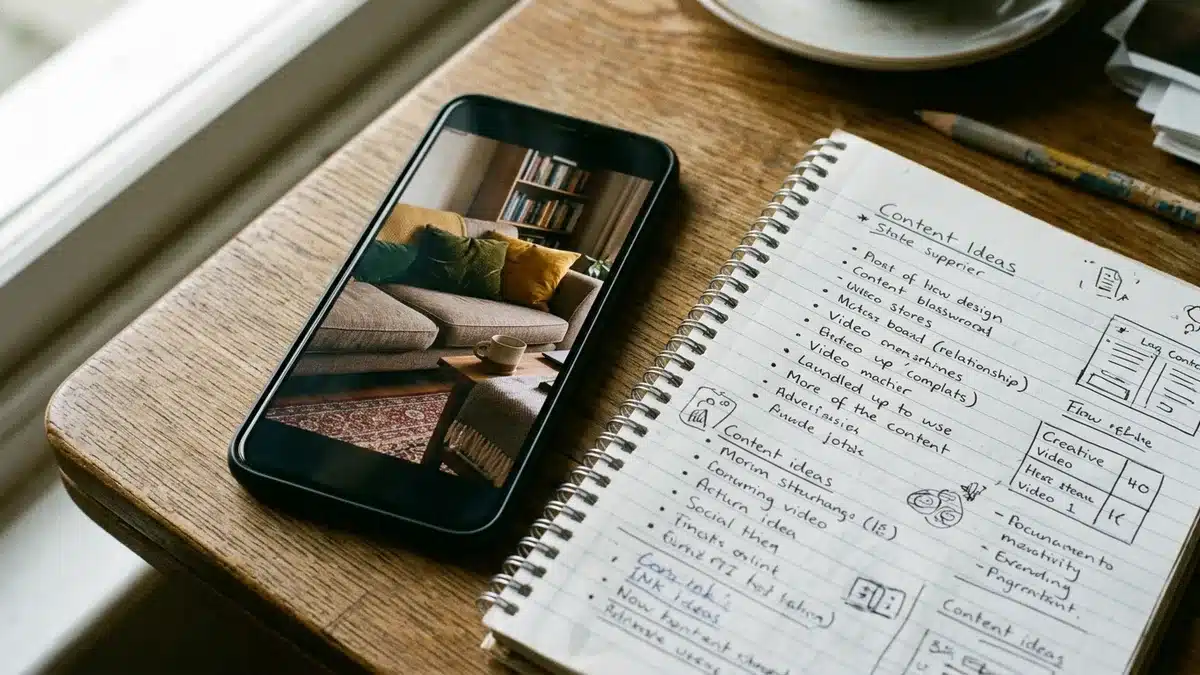
Promoting local attractions means tying your property to specific, verifiable places and events, such as a trail, a market or a seasonal festival. A neighbourhood guide on your website is the anchor, and social posts and emails pull from it.
Test every travel time yourself and record it in your fact sheet. Give seasonal items a date and a reminder to re-check, because a closed restaurant in your guide costs more trust than it earns. Link each post to the guide so someone curious about a Story can read the full detail. Because the guide, listing and posts all draw from Step 1, their claims line up.
Boostly sites launch with SEO fundamentals built in, including structured pages and location targeting, so a neighbourhood guide can start earning organic search traffic instead of sitting unseen. Third-party exposure can help as well, and we cover it in our piece on using a book direct marketplace to drive direct bookings.
Step 6: How Do You Use Guest Reviews and Photos Without Crossing Privacy Lines?
User-generated content is any review quote, photo or story a guest creates about their stay, and you should reuse it only with that guest's clear permission. Ask in writing, say where it will appear, and keep a record.
Remove anything identifying: faces (especially children's), number plates, door codes and house numbers. Credit names only if the guest agrees. Check each platform's terms before copying review text off Airbnb; a guest's own message to you, shared with consent, is safer source material. Quote one strong line rather than a whole paragraph.
The easiest prompt is a post-stay message asking for a favourite moment and permission to share it. In Boostly's CRM, that request can sit inside the automated post-stay sequence, so it goes out after every stay rather than only when you remember.
Step 7: How Do You Turn Content Into Emails That Bring Guests Back?
Guest email content is any message to past guests that gives them a reason to rebook directly: a seasonal update, a new amenity, early access to open dates. It works because those guests already trust your property, so you are not paying to win them again.
Airbnb controls its own messaging system, so you rarely end up with contact details you can legitimately market to. Collect emails through direct bookings, a post-stay opt-in, or a StayFi WiFi capture system, and always obtain consent in line with privacy rules such as GDPR and CCPA. This Price of Business guide on growing a vacation rental business covers off-platform lead generation and email tactics. Our own thinking on strategic creative communications shows how to word these messages.
We built Boostly's CRM to capture guest data at booking and run email and SMS follow-up automatically. Hosts such as Sergio and Rose Tipka are among the success stories behind our average direct booking rates of 65% to 80% within 12 months, and a repeat-guest channel is one lever that makes a number like that realistic.
Step 8: How Do You Plan a Content Calendar Around Booking Lead Times?
An Airbnb host content calendar is a schedule that times each post to how far ahead your guests book, your local seasons and your slowest dates. In 2026, with plenty of hosts competing for the same searches, a plan beats posting whenever inspiration strikes.
Pull your average booking window from your PMS and work backwards. If most guests book six weeks out, a festival post should run eight weeks ahead, not the week before. Mark your slowest periods and build one dated series around each, such as a midweek offer for a quiet February.
Batch a month of content in one sitting: shoot, caption, schedule. Rotate four buckets: property, local area, guest stories and offers. Because Boostly syncs availability from your PMS, you can see the real open dates while you plan, so every offer you promote is genuinely bookable.
Step 9: How Do You Measure Which Content Earns Bookings?
Content measurement means tracking the path from a post to an enquiry to a paid booking, rather than counting likes. Tag every link in a post, email or bio so each appears separately in your website analytics.
| Metric | What it tells you | Where to look |
|---|---|---|
| Link clicks | Whether the post sparked curiosity | Social analytics, tagged-link reports |
| Saves and shares | Whether the content is worth returning to | Social analytics |
| Enquiries | Whether the page answers real questions | Website forms, inbox |
| Direct bookings | Whether content makes money | Booking engine, PMS |
| Repeat bookings | Whether email follow-up works | CRM |
Compare formats over a fixed window, such as a month of Reels against a month of carousels, and keep what produces clicks and bookings. OTA dashboards hide the full picture because they only show OTA-side data. Boostly's reporting shows conversion rates, traffic sources and progress toward the 65% direct booking target. For more on tuning your approach, see our STR insights on fine-tuning concepts and dominating the market.
What Mistakes Do Hosts Make When They Create Airbnb Content?
The most common mistake is publishing strong content that leads nowhere. Watch for these:
- Posting without a booking link in the caption or bio
- Letting facts drift between the listing, website and posts
- Pasting listing text word for word onto your website
- Chasing every platform instead of mastering one
- Reusing guest content without permission or removing identifying details
- Never updating content after an amenity or season changes
We see the first one constantly: good posts linking to a page that cannot take a payment. A direct booking site built to convert fixes that.
What Are the Steps in Order?
The workflow runs as a loop from fact sheet to measurement, and Boostly covers the website, CRM and training that Steps 4 to 9 rely on.
- Build a single source of truth for your property.
- Shoot photos and video in natural light, and make them accessible.
- Write titles, descriptions and captions in plain, accurate language.
- Pick one main social platform and post a rhythm you can sustain.
- Promote local attractions through a verified neighbourhood guide.
- Reuse guest reviews and photos only with permission and without identifying details.
- Capture guest emails with consent and send follow-up that earns repeat bookings.
- Plan a calendar around booking lead times, seasons and slow dates.
- Measure tagged clicks, enquiries and direct bookings, then repeat what works.
How Do You Put This Into Practice in 2026?
You now have a workflow for how to create content for Airbnb host listings, socials and email that you can start this week. Write the fact sheet first, because every later step depends on it.
The commercial case is simple. Every booking that moves from Airbnb to your own site keeps roughly 15% more in your pocket, and content is what moves it. In 2026 and beyond, hosts who own their guest relationships will carry less commission and less risk.
At Boostly, we built the website, CRM and PMS sync to turn that content into bookings you own.

If your content is creating interest but your site is not turning it into bookings, book a demo with Boostly. We get hosts live within 35 days, and hosts who do not reach 65% direct bookings within 12 months receive their money back plus $1,000. You keep your Airbnb listing throughout.
Frequently Asked Questions
How do you become an Airbnb host?
Create an Airbnb account, describe your space, add photos, set your price and calendar, then publish. Before going live, check your local short-term rental licensing, tax and insurance requirements with the relevant local authority, as they vary by location. Your fact sheet, photos and copy from this guide are the first content you need.
What content should Airbnb hosts post on social media?
Post property tours, your favourite room, guest quotes used with permission, local must-sees, answers to common questions and the best time of year to visit. Each post should carry or point to a booking link you own.
How often should vacation rental hosts post on Instagram?
Industry guidance commonly suggests 3 to 5 posts a week. Start with two or three and hold that rhythm for a year, because consistency matters more than volume.
What are the best social media platforms for Airbnb hosts?
Instagram suits most hosts because it rewards photography and offers a bio link. TikTok suits hosts comfortable on camera, and Facebook helps in local groups. Master one before adding another.
Do I need to stop using Airbnb to build direct bookings with content?
No. Keep your Airbnb listing live and add a direct channel alongside it. Boostly is additive to your existing listings, so the work you have done on Airbnb is not wasted.
How do I use guest photos and reviews safely?
Ask for written permission, say where the content will appear, and remove faces, number plates, door codes and house numbers. Check each platform's terms before reusing review text taken from it.
How do I know whether my content is working?
Tag every link and track clicks, saves, enquiries and direct bookings in your website analytics and CRM. Compare formats over a fixed window and keep the ones that produce bookings, not just likes.