
To build a content calendar for a short term rental, pick two platforms, set four content pillars, plan posts backwards from your booking lead times, batch the shooting, and attach a trackable direct booking link to every entry. Each entry needs a job: a booking enquiry, not a like.
Key Takeaways
- A short term rental content calendar coordinates social posts, website articles, guest email, listing updates and offers in one schedule, not social media alone.
- Four pillars (Property Moments, Destination Value, Social Proof, and People and Operations) keep posts varied, and two to five feed posts a week on Instagram and Facebook is a sustainable baseline for most hosts.
- Publication deadlines come from your own booking lead times; content published from February to April can support a June to August peak.
- Shoot once, edit the footage into four to six pieces, and schedule releases across the following four weeks.
- Every entry needs a goal, a call to action and a UTM-tagged link to your direct booking site, so you judge the calendar by bookings.
- Boostly builds the direct booking website those links point to, live within 35 days, and gives members CRM access within 24 hours plus templates, AI tools and 80+ hours of training.
Most hosts post when they remember. A burst of listing photos, six quiet weeks, then a hurried sunset Reel the week an empty gap appears in the calendar. Bookings follow the same erratic pattern, and every stay that lands on an OTA carries a commission. Short-term rentals lose an estimated $1 billion a year to OTA fees on repeat guests alone, according to eGlobal Travel Media in 2026.
At Boostly, we work with STR hosts every day who are stuck in exactly this position: decent occupancy, thin margins, and no scheduled way to reach guests outside Airbnb. Our community now numbers over 2,000 hosts and operators, and the ones who make direct bookings stick share one habit. They treat marketing as a calendar with deadlines, not a mood.
This guide shows you how to build a content calendar for a short term rental in 2026, from pillars and posting cadence to booking-window deadlines. It also covers what most templates skip: coordinating email, website and listing updates in one schedule, tying posts to measurable bookings, and clearing guest photos and availability claims before they go live.
What Should a Short Term Rental Content Calendar Cover?
A short term rental content calendar is a dated schedule that gives every marketing task, whether a social post, website article, guest email, listing refresh or offer, an owner, a deadline, a goal and a link. Most templates stop at Instagram. That leaves a gap, because a feed post cannot take a booking without a page, an email and an open date behind it.
| Calendar lane | Job | Cadence | What you measure |
|---|---|---|---|
| Social feed and Stories | Awareness and trust | Several times a week | Profile visits, link clicks |
| Website articles | Search traffic | Monthly or seasonal | Organic visits to your direct site |
| Email and SMS | Repeat stays | Triggered plus seasonal sends | Direct rebookings |
| Listing and calendar updates | Keep every channel accurate | After any price or availability change | Errors avoided |
| Offers | Fill open dates | Tied to gaps | Direct bookings |
The wider market makes this more urgent. Precedence Research projects the global short-term rental market will grow from USD 153.06 billion in 2026 to approximately USD 371.54 billion by 2035, which usually means more listings competing for the same guest attention. A fixed schedule is how a small operator stays visible without paying for ads.
We built Boostly around the idea that these lanes should share data. The direct booking website, CRM and PMS sync sit in one system, so a post, an email and an availability change do not live in four separate tabs. You open one dashboard, see which dates are free, and write the offer against what is actually available.
How Do You Build a Content Calendar for a Short Term Rental, Step by Step?
Building the calendar takes seven steps, in order: set a goal, choose platforms, define pillars, work backwards from lead times, set a cadence, batch and schedule, then tag and review. Do them once for a 90-day horizon, then repeat monthly. Each step is expanded in the sections below.
- Set one goal per month. Pick a single outcome, such as direct booking enquiries for open dates in your next shoulder season. A calendar without a goal turns into decoration.
- Choose two platforms. Start with Instagram and Facebook. Add TikTok or Pinterest only after the basics are working.
- Define four pillars. Property Moments, Destination Value, Social Proof, and People and Operations, with 10 to 20 post ideas listed under each.
- Work backwards from lead times. Use your past reservations and local event dates to set publication deadlines.
- Set a cadence you can keep. Match posting frequency to your available footage, staffing and property count.
- Batch, approve and schedule. Shoot once, edit into several pieces, clear rights and availability claims, then schedule four weeks ahead.
- Tag every post and review monthly. Give each entry a goal, a call to action and a UTM-tagged direct booking link, then judge the calendar by bookings.
Most hosts stall at steps 3 and 6, because a blank page and a camera roll of unsorted footage are the two biggest time sinks. Boostly members start from templates and AI tools built for STR marketing, backed by weekly training calls and over 80 hours of courses, so pillars and captions are not invented from scratch.
Treat the first pass as a draft. Your second month will look different once you see which entries produced enquiries, and that is the point of reviewing monthly rather than yearly.
Which Content Pillars Work for Vacation Rental Social Media?
Content pillars are the four or five recurring themes every post falls under, and they stop your feed from becoming a random photo dump. For vacation rental social media, four cover almost everything a host needs to say.
| Pillar | What goes in it | Example post | Direct booking tie-in |
|---|---|---|---|
| Property Moments | Rooms, small details, seasonal changes | Morning-light tour Reel of the living space | Link to the property page with live availability |
| Destination Value | Local experiences, events, itineraries | Weekend itinerary carousel | Link to a date search for that event |
| Social Proof | Reviews, guest posts, repeat-guest stories | Quoted review over a photo | Link to the booking page |
| People and Operations | Host introductions, behind-the-scenes prep | Story of the pre-arrival check | Link to your direct site FAQ |
List 10 to 20 specific ideas under each pillar before you open a scheduler. That bank is your raw material for the year. We suggest starting with a roughly 60/40 mix of property content to local content. This is our working guideline rather than a figure from a published dataset, so shift the balance toward whichever pillar earns more clicks on your own account.
Social Proof is the pillar most hosts neglect, and it does the heaviest lifting for a direct site. Guests booking direct have no Airbnb review count to lean on, so your posted reviews carry that weight. Boostly’s AI tools and templates help fill the idea bank faster, so the pillars start with material rather than a blank page.

How Often Should Short-Term Rentals Post on Instagram and Facebook?
A sustainable cadence for most short-term rentals is two to five feed posts a week on Instagram and Facebook, plus Stories three to four times a week. Advice online conflicts because the right number depends on your footage, staffing, property count and platform. These ranges are practical starting points drawn from common guidance, not results from a controlled study, so pick from the framework below and adjust to your own click data rather than a guru’s headline figure.
| Your situation | Starting cadence | Reason |
|---|---|---|
| One property, you handle everything | Two to three feed posts a week | A baseline a solo host can sustain |
| Two to five properties, or an assistant | Three to five feed posts, Stories three to four times | More footage and more hands justify more volume |
| Property manager with owner content | Rotate properties inside a fixed weekly total | Keeps every owner visible without burning out the team |
| Remote owner with little local footage | Two posts a week from one seasonal shoot | Footage is the limit, not ambition |
A simple weekly rhythm: Monday, a Property Moments feed post; Wednesday, a Destination Value post plus Stories; Friday, a Social Proof post; Stories through the week for People and Operations. Three thoughtful posts a week outperform seven rushed ones.
Cadence is a capacity problem. Boostly takes one repetitive job off your plate, guest follow-up, through automated email and SMS sequences, so your posting hours go to content rather than chasing past guests.
How Far Ahead Should You Plan, and Where Do Deadlines Come From?
Your planning horizon is the gap between publishing a post and the stay it should fill, and your own booking lead time sets it. Generic seasonality advice such as “post early for summer” is too vague to schedule. Your reservation history gives you real deadlines.
Pull your lead times and event dates
Export reservations from your PMS and compare booking date with check-in date for each season. Then add local event dates and your shoulder seasons. Content published from February to April can support demand for a June to August peak, and urban holiday-event roundups work best six to eight weeks before the dates they cover.
Subtract a production buffer
Your publication deadline is the start of the target stay window, minus your typical lead time, minus a buffer for shooting and approvals. Coastal beach-packing guides tend to suit March, and mountain foliage itineraries should be live by August. Plan 90 days at a high level, then lock the next four weeks in detail.
Boostly’s integrations with 27 or more PMS platforms sync availability and pricing in real time, so you can confirm a date is still open before it goes into the calendar.
How Do You Batch Content So the Calendar Survives a Busy Season?
Batching means shooting, editing, writing captions and scheduling in separate focused blocks instead of creating one post at a time. Shoot once, edit the footage into four to six pieces, and release them across the following four weeks. Turnover days, when the property is staged and empty, are the cheapest shooting windows you will get.
If you do not live near your property, arrange for someone to capture footage at least once a season. Our guide to managing STR properties remotely covers the delegation side. Daily engagement can stay short: ten to fifteen minutes replying to comments and messages.
What should you look for in a scheduling tool?
The built-in schedulers inside Instagram and Facebook cost nothing to start and cover most solo-host needs. Move to a dedicated scheduling app only when you need team approvals, a shared calendar view or several properties in one place, and check each app’s current pricing page because plans change. Whatever you choose, it must accept UTM-tagged links.
We designed Boostly’s CRM and marketing automation to run the email half of the schedule, so your scheduling tool only handles social.

How Do You Connect Every Post to a Direct Booking?
Attribution means every calendar entry carries a goal, a call to action and a tagged link, so a booking can be traced back to the post that started it. Add these columns to your calendar: date, pillar, format, goal, call to action, landing page, UTM campaign name and approval status. Use one UTM naming convention and do not change it mid-quarter.
Judge the calendar on direct booking enquiries, completed direct bookings and your direct share of revenue, not on likes. Each booking that arrives through a tagged link keeps roughly 15% more than the same stay booked through an OTA, which is why the tag matters.
Where should the clicks land?
On a site that can take a booking. A vacation rental website needs a booking engine, real-time availability, clear photos and trust signals such as reviews and secure payment. Our walkthrough on how to build a direct booking website lists the pieces. Boostly builds that site for you, with no coding required, and its reporting shows traffic sources and conversion so you can see which pillar earns its slot.
Hosts in our community, including Sergio, Rose Tipka and Seth, illustrate the end state: average direct booking rates of 65% to 80% within 12 months.
How Do Email, Website Articles and Listing Updates Share the Same Calendar?
An operational calendar adds lanes beside social: email to past guests, website articles and listing refreshes, each with its own deadline. Airbnb’s messaging system means you never hold a guest’s contact data once the stay ends, so the email lane starts with capturing it, at direct booking and, where it suits you, through guest WiFi sign-in that captures email addresses.
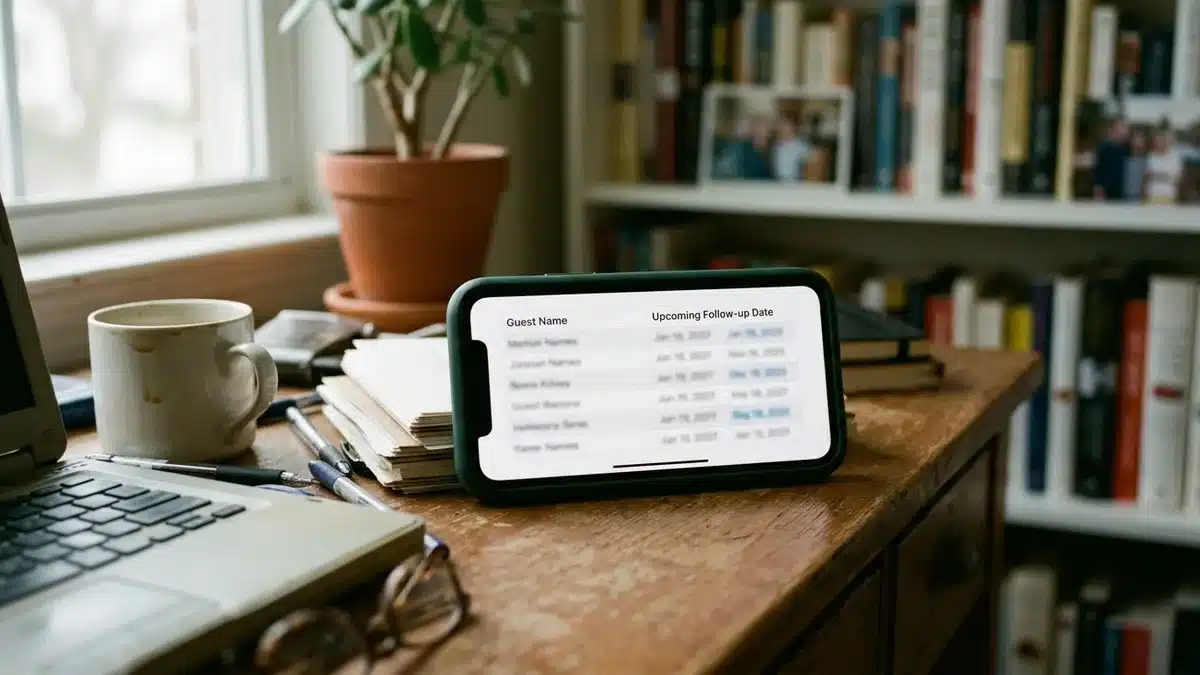
Plan one repeat-guest send per season and one trigger sequence after checkout. This guide to lead generation and email marketing off-platform adds more tactics. For the website lane, publish one article a month tied to the next season, and for messaging support see our piece on strategic creative communications. Refresh your OTA descriptions in the same cycle; you keep your Airbnb presence while the direct channel runs alongside it.
Boostly’s CRM captures guest data at booking and automates email and SMS follow-up, so the repeat-stay lane runs without you chasing anyone.
What Approval Workflow Should Guest Photos and Local Mentions Go Through?
A rights and approval workflow is a short checklist that clears every guest-made or third-party element before it is scheduled. Most templates omit it, and it is where calendars create avoidable trouble: a reposted guest photo nobody agreed to, or a promoted date that has already been booked.
| Content type | Confirm before posting | Who signs off |
|---|---|---|
| Guest photo or video | Written permission, credit preference, no other identifiable people | You or your manager |
| Testimonial or review | Permission to quote and how to name the guest | You |
| Local business mention | Details are accurate and you imply no partnership | You |
| Availability or offer claim | Date still open, price correct, expiry set | Whoever manages the PMS |
| Owner property content | Owner approves visuals and wording | The owner |
Rules on privacy, endorsements and advertising differ by country and state, so check the requirements where you operate. The availability claim is the one that bites hardest, because a post promising open dates that have since filled damages trust. Boostly’s real-time PMS sync keeps your site’s availability current, so an offer on the calendar matches what a visitor sees when they click.
What Does a 90-Day Rollout Look Like?
A 90-day rollout is a phased plan that sets up, shoots, publishes and then reviews, in that order. Run it once and you will have a working calendar and your first real data.
| Weeks | Focus | Output |
|---|---|---|
| 1 to 2 | Setup | Instagram Business and Facebook Page profiles, direct booking site linked |
| 3 to 4 | Batch-shoot | A month of footage, pillar idea lists |
| 5 to 8 | Publish and tag | Three posts a week with UTM tracking |
| 9 to 12 | Review | Enquiries and bookings per pillar, next quarter’s plan |
Review at week 9, not week 2, because bookings lag your lead time. If your typical lead time is longer than the review window, judge link clicks and enquiries first and bookings second.
What Mistakes Break a Content Calendar?
A content calendar usually fails because of its design, not because of laziness. These are the patterns we see most often.
- Too many platforms. Two done well beat five done badly.
- Social-only planning. Posts with no website, email or offer behind them leak interest.
- No call to action. Every entry needs a link and a next step.
- Ignoring lead times. Posting for July in July is too late.
- Skipping approvals. One unchecked availability claim erodes trust.
Frequently Asked Questions
How often should short-term rentals post on Instagram?
Start at the low end if you handle everything yourself, and add posts only when you have footage to support them. Consistency matters more than volume, so a steady rhythm you can hold for a year beats a burst you abandon in March.
How far ahead should vacation rentals plan social content?
Plan a 90-day outline and lock the next four weeks in detail. Let your own reservation history set the deadlines, and treat holiday-event roundups as the shortest-lead items on the schedule.
What are the best social media scheduling tools for Airbnb hosts?
Start with the free schedulers built into Instagram and Facebook. Move to a dedicated scheduling app only when you need team approvals, a shared calendar or multi-property views. Check each tool’s current pricing page, and make sure it supports UTM-tagged links.
What should vacation rental hosts post on social media?
Rotate through your four pillars and put a direct booking link on every entry. If a post has no clear next step for the viewer, rework it before it goes live.
How do I build a direct booking website for my content to point to?
You need a booking engine, real-time availability synced with your PMS, strong photos and trust signals. Boostly builds a done-for-you direct booking website with no coding required, and it works alongside your existing Airbnb listing.
What marketing strategies do vacation rental management companies use?
Most combine a direct booking website, email and SMS to past guests, seasonal content, search optimisation and refreshed OTA listings. A single content calendar coordinates those lanes so each has an owner, a deadline and a measurable booking goal.
Final Thoughts: A Content Calendar That Earns Direct Bookings
A content calendar for a short term rental works when it is built backwards from your booking lead times, spread across social, email, website and listing lanes, and tied to tagged links that show which posts produce bookings. Start with two platforms, four pillars and a cadence you can keep, then review after one full lead-time cycle.
In 2026 and beyond, hosts who own the guest relationship will keep more of each stay than those who rent attention from OTAs.
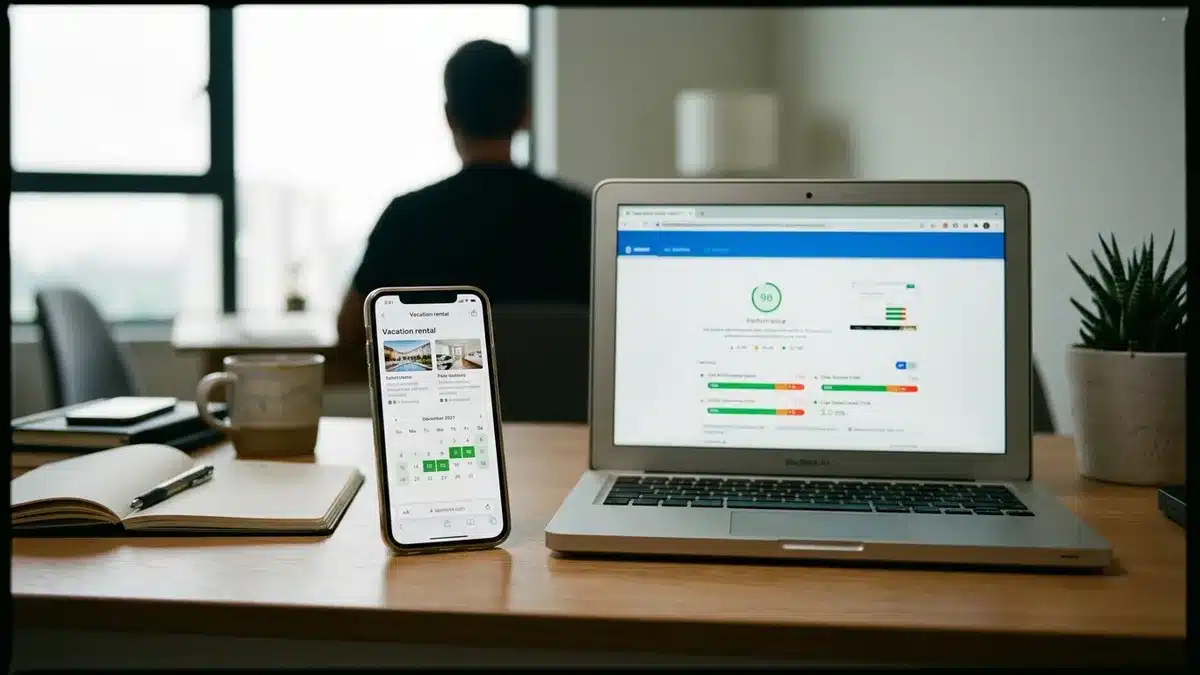
A calendar only pays off if the link in every post lands on a site that converts. Boostly builds your direct booking website within 35 days, with CRM access within 24 hours of signing up, and backs it with a guarantee: reach 65% direct bookings within 12 months or get your money back plus $1,000. Book a demo with Boostly to see how it would work for your properties, with your Airbnb listing staying live alongside it.