
How to blog as an Airbnb host comes down to one decision: publish on a website you own, not inside your Airbnb listing. Write about your property, your local area, guest questions and seasonal trips, then link every post to a way to book direct. A host blog earns reservations only when each article answers a real search and ends at a booking path.
Key Takeaways
- Airbnb gives you listing fields, not an independent blog. A host blog lives on a domain you own, and that site is what turns readers into direct bookings.
- Choose topics from guest questions, booking patterns and local knowledge, grouped into four content types: property, local area, guest experience and practical trip planning.
- Verify opening hours, prices, accessibility and transport details before any local guide goes live, because stale facts damage trust faster than a missing post.
- Tag every link from a post to your booking page and ask direct guests how they found you. Those two checks show which posts earn bookings.
- Every booking you move off an OTA keeps roughly 15% more revenue with you, so the blog’s job is to feed a direct channel while your Airbnb listing stays live.
- Boostly builds the done-for-you direct booking website your blog feeds, live within 35 days of signing up, with CRM access within 24 hours.
Every Airbnb stay carries a commission, and when the guest checks out, Airbnb keeps the relationship. You can message guests inside the platform, but you do not own their contact details or their next booking. A blog on your own domain is one of the few marketing assets that works while you sleep and belongs entirely to you.
In 2026, most hosts we talk to already want to reduce their dependence on OTAs. What stops them is practical: they do not know where a blog should live, what to write, or how to tell whether it works. At Boostly, we work with STR hosts every day who have strong occupancy and thin margins but no plan for direct bookings. A blog with no booking page behind it is the gap we see most often.
This guide covers six steps, from choosing a platform to measuring results, plus a first-month plan and the mistakes that waste the most effort. It works whether you run one property or a portfolio, and whether you write the posts yourself or hand them off.
Why Does an Airbnb Host Need a Blog at All?
A host blog is a collection of articles on your own website that answer the questions travellers search before they choose where to stay. Unlike an Airbnb listing, which only reaches people already browsing Airbnb, a blog can reach people on Google before they have picked a platform.
A blog matters commercially for two reasons. It brings in search visitors who have never seen your listing, and it builds trust, because a host who explains the area and the property in detail looks more credible than one with a short description. It also gives you a reason to collect emails and send past guests back to your own site.
| Channel | Who owns the audience | Found through search engines? | Best job |
|---|---|---|---|
| Airbnb listing | Airbnb | Mostly inside Airbnb search | Converting guests already on the platform |
| Social posts | The social platform | Limited; posts fade quickly | Showing personality and local life |
| Email list | You, once guests opt in | No | Bringing past guests back |
| Host blog | You | Yes, over the long term | Attracting new visitors and sending them to your booking page |
Broader growth guides, such as this HostPapa article on how to grow a vacation rental business, treat content as one lever alongside listing optimisation and portfolio expansion. We agree, with one caveat: a blog is the top of the funnel. The website behind it does the converting, and Boostly builds those sites to run alongside your Airbnb listing, so you keep OTA visibility while the direct channel grows.
What Is the Fastest Way to Blog as an Airbnb Host?
The fastest route is a fixed sequence: set up the blog on your own domain, choose topics from real guest questions, write from a template, add a booking path to each post, publish steadily and measure by post. The ordered list below is the whole process in brief; the sections after it unpack each step.
- Set up a blog on a domain you own, on the same site as your booking page.
- Choose topics from guest questions, booking patterns and local knowledge.
- Write each post from a repeatable template that forces fact-checking.
- Connect every post to a booking path with a link, a dates tool or an email capture.
- Publish at a pace you can sustain and share each post where your audience already is.
- Track visits, enquiries and direct bookings by post, then refresh what works.
Most hosts stall at step 1 because it sounds technical. We designed Boostly so that part is handled for you: our team builds the website, so you skip the templates and plugins.
Step 1: Where Should Your Airbnb Host Blog Live?
An Airbnb host blog is a set of articles published on a domain you control, usually in a blog section beside your booking page. Airbnb provides listing fields such as the description and house rules, but it does not provide an independent blog. Your listing is one storefront; your blog is the street that leads people to your own door.
Which blogging platform works best for a vacation rental?
Any platform that publishes pages on your own domain can work, and WordPress is the most common choice among hosts. The decision that matters more is placement. Put the blog on the same domain as your booking page, not on a separate free site, because search credibility and guest trust build up in one place.
We built Boostly around that logic. Our done-for-you direct booking websites, including WordPress website design, go live within 35 days of signing up with no coding required. Real-time sync with 27+ property management systems means the dates a reader sees at the end of a post match your calendar. Our walkthrough on how to build a direct booking website covers the booking side in more detail.
Step 2: What Should You Write About?
Topic selection for a host blog means choosing subjects from evidence: the questions guests send you, the patterns in your calendar and what you know about your area that a search engine does not. Start with your message inbox. Any question you answer more than twice is a post waiting to be written.
Next, look at who books and when. If families fill school holidays and remote workers cover midweek gaps in autumn, you have two audiences with different questions. Map each topic to one traveller and one intent before you write a word. Sharpening your concept for a defined audience helps too, and our STR insights on fine-tuning concepts and dominating the market take that thinking further.
| Content type | Example post | Reader intent | Booking path |
|---|---|---|---|
| Property | Who your rental suits, bed layout, rules, check-in details | Deciding if it fits their group | Link to your availability page |
| Local area | A half-day itinerary near the property | Planning a trip to the area | Link to dates and rates |
| Seasonal | What the area is like in winter or during local events | Choosing when to travel | Link to the season’s open dates |
| Practical | Parking, transport, what to pack, guest FAQs | Removing last-minute doubts | Link to the booking button |
A blank page is where most host blogs die. Boostly members get AI tools, templates and 80+ hours of training on marketing and content strategy, so planning starts from a framework instead of a guess.

Step 3: How Do You Write a Local Guide Guests Can Trust?
A local guide template is a fixed outline you reuse so every neighbourhood post is accurate, easy to scan and tied to your property. Search engines and AI assistants both favour pages that are specific and current. A guide with one wrong opening time loses the reader’s trust, and with it the booking.
- An opening line that names who the guide is for, such as couples on a weekend trip or families with young children.
- A short list of places, each with one sentence on why it suits that traveller.
- A verified details block covering opening hours, seasonal availability, accessibility, prices and transport.
- The travel time from your property to each place, checked on a real route.
- A “last checked” date at the top or bottom of the post.
- One link to your booking path, placed where the reader is most likely to be planning dates.
Check every detail against the venue’s own website on the day you publish. When you mention a local business, link to its official site, and set a calendar reminder to re-check the post each season. Get permission before quoting a guest’s review or telling a guest’s story.
This is also where our template library earns its place. Boostly’s templates give you the structure, so your effort goes into the local knowledge only you have.
Step 4: How Do You Connect Every Post to a Booking Path?
A booking path is the shortest route from a blog post to a reservation on your own website. Without one, a post is a pleasant read that sends visitors back to Google, and then to whichever OTA ranks first. Every article needs at least one place where the reader can check dates and book direct.
Place a contextual link in the paragraph where the reader is thinking about their trip, not only in a footer. Add a reason to book direct that you control. Then give people who are not ready a softer option, such as an email sign-up. The Price of Business guide on growing a vacation rental business covers lead generation and email marketing tactics that work off-platform.
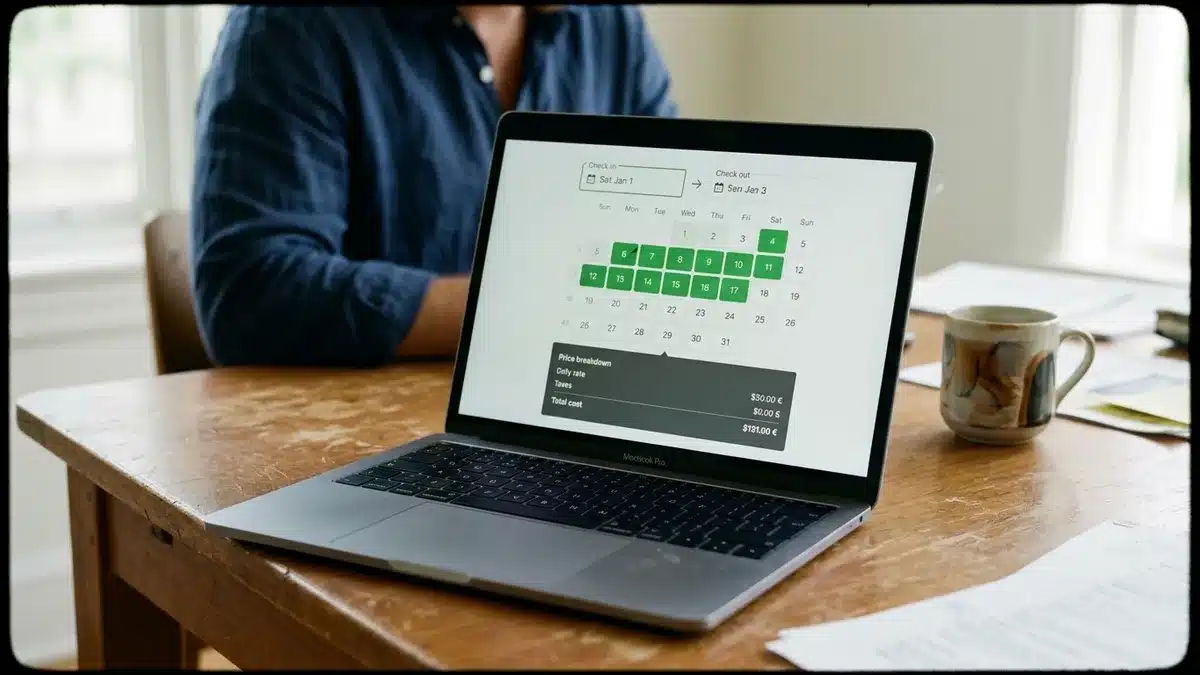
Be honest about the limit here. A free booking widget will not match Airbnb’s built-in trust signals on its own. Readers need real-time availability, a secure payment step and a page that looks as polished as an OTA listing. Our CRM captures guest details at the point of booking and automates email and SMS follow-up, so a visitor who reads three posts and leaves is not lost for good. Our piece on strategic creative communications shows how messaging supports that follow-up.
Step 5: How Often Should You Publish and Where Should You Share It?
A publishing rhythm is the pace of new posts you can keep up without skipping months. Start with one strong post rather than trying to fill a blog homepage at once, then add posts at a steady interval that fits your calendar. A short, accurate post you can maintain beats a long series you abandon.
In 2026, sharing matters as much as writing. Short-form video platforms suit visual highlights, community groups suit local events, Pinterest suits trip-planning inspiration and longer video suits property or neighbourhood tours. Reach out to local businesses too: a listing on a local blog or a partner’s website is a link that points readers toward you. A book direct marketplace can add another source of visitors.
Consistency is the hard part for a self-managing host with no team. The weekly coaching calls that come with Boostly membership give you a regular point to review what you published and decide what comes next.
Step 6: How Do You Measure Whether the Blog Earns Bookings?
Blog measurement is the process of tying each post to visits, enquiries and direct bookings. Airbnb’s dashboard only shows what happens on Airbnb, so it cannot tell you whether your blog works. You need a simple tracking routine on your own site, set up before you publish.

| What to check | What it tells you | How to find it |
|---|---|---|
| Visits per post | Which topics attract search or social traffic | Your website analytics |
| Clicks from post to booking page | Whether your booking path is noticed | Tagged links and click reports |
| Enquiries and bookings by source | Which posts lead to revenue | A “How did you find us?” field on your enquiry or booking form |
| Direct share of total bookings | Whether the direct channel is growing | Your booking reports, split by channel |
Add a tracking tag to every link you share on social, so you can separate social visitors from search visitors. Then review the table above on a regular schedule and refresh the posts that attract visits but produce no enquiries. Usually the booking path is the weak point, not the topic.
Boostly reports on direct booking performance, including conversion rates, traffic sources and progress toward the 65% direct booking target. You see the full channel picture instead of one platform’s slice of it.
What Does a Realistic First Month Look Like?
A first-month launch plan for a host blog is a four-week schedule that gets a working blog, a handful of useful posts and basic tracking live before you worry about volume. Keep the scope small. The aim is a blog that works, not a blog that is big.
| Week | Focus | Output |
|---|---|---|
| Week 1 | Platform and structure | Blog on your own domain, categories set up, booking links ready |
| Week 2 | Property and guest-question posts | A post on who your rental suits and one on your most common guest question |
| Week 3 | Local guide | One verified guide from the template, with a booking link |
| Week 4 | Tracking and sharing | Tagged links, a source question on your forms, first social shares |
If you build your site with Boostly, the 35-day launch timeline lines up with this plan, and your CRM is available within 24 hours of signing up. The hosts behind our success stories, including Sergio, Rose Tipka and Nikki, belong to a community whose direct booking rates average 65% to 80% within 12 months. Content supports that outcome, but the website and follow-up system carry it.
What Mistakes Do Hosts Make When Blogging?
The most common blogging mistakes are structural, not literary: the blog sits on the wrong domain, posts have no booking path or the facts go stale. Good writing cannot rescue any of those.
- Writing for Airbnb’s search instead of Google’s. Listing keywords and blog keywords serve different readers.
- Using a free subdomain. You build authority for the platform, not for yourself.
- Skipping the booking link. A post with no next step sends the reader away.
- Publishing unchecked local facts. One wrong opening time undermines the whole guide.
- Quitting after a few posts. A smaller schedule you keep beats an ambitious one you drop.
Some hosts also worry that a blog means walking away from Airbnb. It does not. Boostly is additive: your Airbnb listing stays live, and the direct channel grows alongside it.
What Should You Do First This Week?
Knowing how to blog as an Airbnb host matters less than publishing the first post on a site you own. Pick one guest question you answered this month, write the post from the template and link it to your booking page. Then set up tagged links and a source question so you can see what happens.
The goal is revenue, not traffic for its own sake. Each reader who books direct keeps roughly 15% more of the booking with you, and each past guest you can contact again is a booking you did not have to buy. As search results in 2026 lean more on AI summaries, specific, accurate, well-structured posts are the content most likely to be quoted.
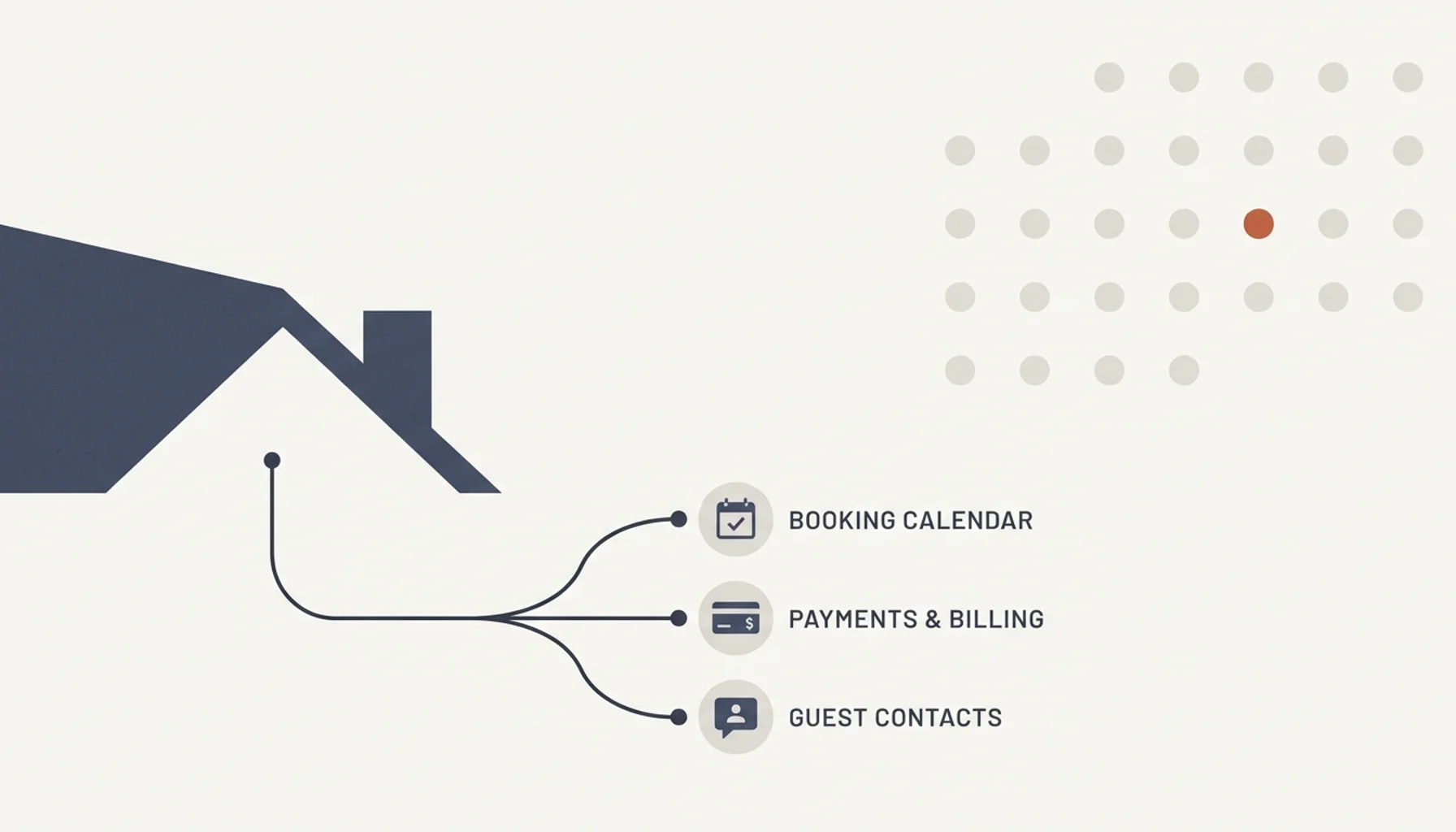
Ready to stop losing roughly 15% of every booking to OTA commissions? Boostly builds a done-for-you direct booking website designed to reach 65% direct bookings within 12 months, backed by a guarantee of your money back plus $1,000. You get CRM access within 24 hours of signing up, so your blog readers have somewhere strong to land. Book a demo with Boostly and we will show you how it works for your properties.
Frequently Asked Questions
How do you become an Airbnb host, and where does a blog fit in?
You create a host account, list your property with accurate photos, a clear description and house rules, and set your pricing and calendar. Before you accept guests, check your local short-term rental licensing and permit requirements with the relevant local authority. A blog comes after the listing is live, as the way to build a direct channel next to it.
What should Airbnb hosts write about in a blog?
Write about four things: your property, your local area, guest experiences with seasonal tips, and practical trip planning such as parking and transport. Start with questions guests have already asked you. Map each post to one traveller and one intent, and link it to your booking page.
What is the best blogging platform for a vacation rental?
The best platform is one that publishes on the same domain as your booking page. WordPress is widely used, and a direct booking website with a built-in blog section keeps everything in one place. A separate free blog splits your search credibility and sends readers away from your booking path.
How can a vacation rental blog attract direct bookings?
A blog attracts people searching for trip information before they have chosen a platform. Each post that answers a real question brings a new visitor to your site, where a clear booking path, real-time availability and an email sign-up turn interest into a reservation. Past guests can then be contacted again through your own CRM.
Can I blog on Airbnb itself, or do I need my own website?
Airbnb provides listing fields, not an independent blog under your own domain. To build search visibility and own your audience, publish on your own website and keep your Airbnb listing as a separate channel.
How long before a host blog produces bookings?
Expect months rather than weeks, because search visibility builds gradually. Posts shared directly to an email list or a social audience can produce enquiries sooner. Tracking by post shows you early which topics are working.
Do I have to stop listing on Airbnb to build a direct channel?
No. Most hosts keep their Airbnb listing live while they grow direct bookings alongside it. Boostly works the same way: the direct booking website complements your OTA listings, so the work you have already done on them is not wasted.