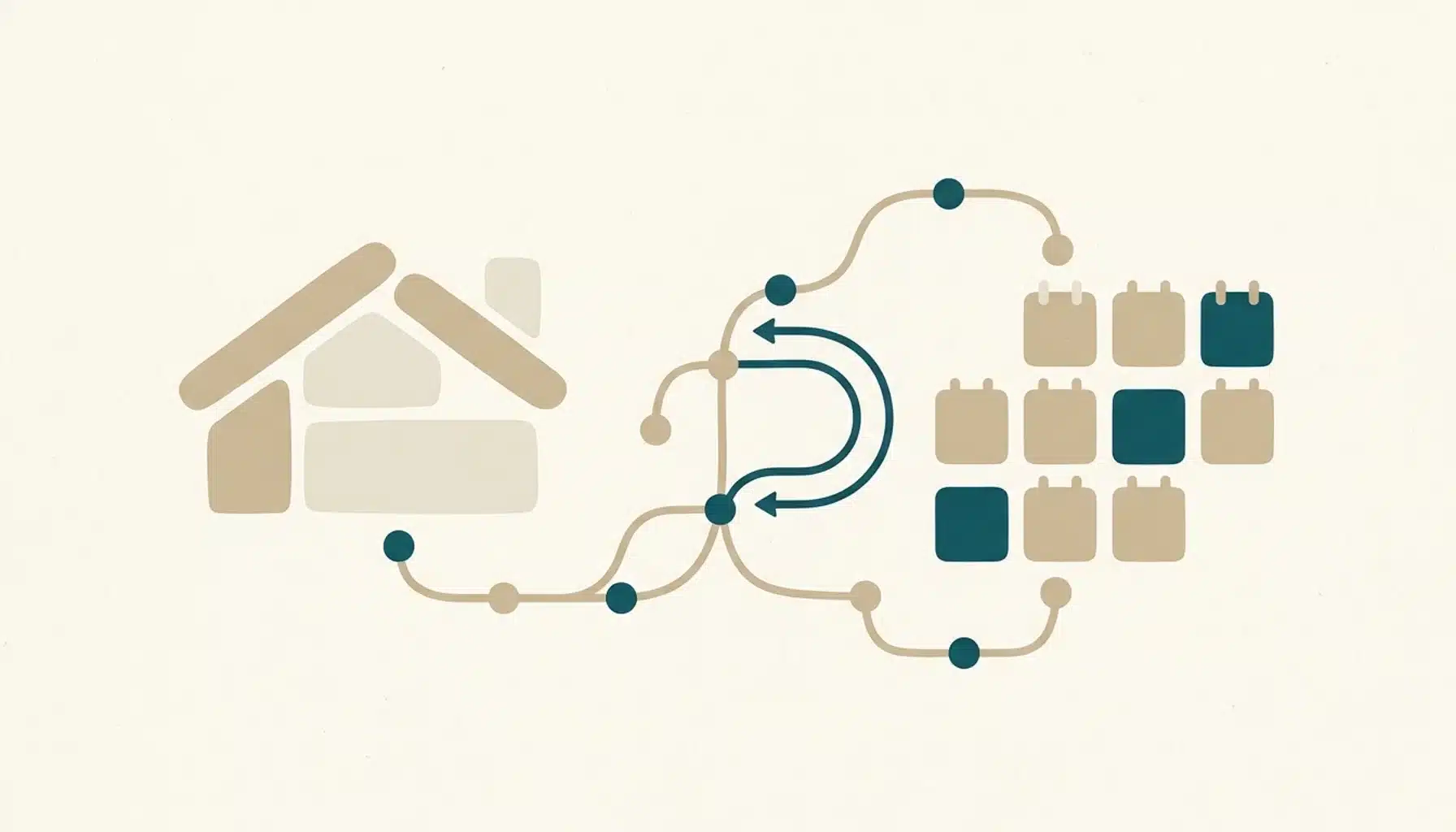
A direct booking website syncs with your property management system (PMS) through an API connection that passes listings, rates, availability and reservations between the two. When a guest books on your site, the PMS records the stay and blocks those dates on every other channel, so the sync works in both directions.
Key Takeaways
- A PMS-to-website connection shares property details, rates, availability and reservations. The exact fields vary by PMS and by connection type, so verify each one.
- Two-way sync writes direct bookings back to the PMS. One-way sync only displays data as of the last update, which can be minutes or hours old.
- API and webhook connections update when a change occurs. iCal feeds share dates only and refresh on a schedule set by each platform.
- Syncing availability is what prevents double bookings. Syncing does not by itself collect payments, process refunds or settle PCI responsibilities.
- A safe rollout audits PMS API support, maps properties and rate plans, connects a payment gateway, tests a small set of dates and monitors early bookings for sync errors.
- Some providers build done-for-you direct booking websites that connect to 27+ property management systems with real-time syncing of listings, availability, pricing and reservations, so you keep your OTA listings live without double bookings.
You are probably in one of two positions. Either your PMS runs your calendar and you want a direct booking website to plug into it, or you already tried a booking button on a generic site and now worry about overlapping reservations. Both worries come down to one question: how does a direct booking website sync with my property management system, and what can go wrong?
At Boostly, we hear this from hosts every week. Occupancy is healthy, margins are thin after OTA commissions, and there is a nagging fear that a second channel means a second calendar to babysit. In 2026 that fear is avoidable, but only if the connection between website and PMS is built and tested properly.
This guide covers what moves between the two systems, how two-way sync differs from iCal, the setup steps in order, the failure modes most guides skip, and what to check before you trust an integration with live bookings.
How Does a Direct Booking Website Sync With Your Property Management System, Step by Step?
A direct booking website syncs with a PMS by reading availability and rates from the PMS, accepting a reservation at checkout, and writing that reservation back so the PMS can close the dates on connected channels. The whole loop depends on the PMS acting as the single source of truth for your calendar.
Here is the sequence from a guest’s first search to the moment other channels close the dates.
| Stage | What happens | Where it is recorded |
|---|---|---|
| 1. Guest searches dates | The site requests current availability and rates held in the PMS | PMS, displayed on the website |
| 2. Live availability check | The booking engine re-confirms the dates are still open at checkout | PMS |
| 3. Guest pays and confirms | The booking engine creates the reservation and takes payment through the gateway | Website and payment gateway |
| 4. PMS write-back | Reservation, guest details, fees and payment status are sent to the PMS | PMS |
| 5. Channel closure | The PMS or channel manager closes those dates on other OTAs | Each connected channel |
| 6. Later changes | Modifications and cancellations flow back and reopen dates where relevant | PMS, then all channels |
Notice that the website never owns the calendar. The PMS does. That is why we build every Boostly site around the PMS connection first and the design second.
Vendors often describe this loop as real-time. Speed depends on the specific connection between your PMS and the website provider, so ask for documented timings and a test you can run yourself, not an adjective.

What Data Does a Direct Booking Site Sync With a PMS?
A direct booking site typically syncs property content, photos, amenities, nightly rates, availability, blocked dates and booking restrictions from the PMS, then sends reservations and guest details back. Coverage differs by PMS and by connection type, so verify each field instead of assuming everything moves.
Rates and availability get all the attention, yet gaps tend to appear in fees and taxes. Restrictions cause them too. Use this table as a field-by-field checklist during testing.
| Data field | Typical direction | How to test it |
|---|---|---|
| Property content, photos, amenities | PMS to website | Edit a description in the PMS and check the live page |
| Nightly rates and rate plans | PMS to website | Compare a weekend date and a holiday date on both systems |
| Availability and manual blocks | PMS to website | Block a date in the PMS and confirm it disappears on the site |
| Minimum stays and restrictions | PMS to website | Try to book a stay one night short of the minimum |
| Taxes, cleaning and extra fees | PMS to website | Compare the checkout total with a PMS quote for the same dates |
| New reservations | Website to PMS | Make a test booking and find it in the PMS |
| Guest details | Website to PMS | Check that name, email and phone arrive complete |
| Modifications and cancellations | Both directions | Cancel a test stay and watch the dates reopen |
| Payment status | Website to PMS | Confirm the PMS shows paid, deposit or balance due correctly |
If a provider cannot tell you which of these rows its connection supports for your PMS, treat that as a warning. Our team maps these fields property by property as part of the Boostly build, so you are not discovering gaps through a guest’s booking.
What Is Two-Way Synchronisation for Vacation Rental Bookings?
Two-way synchronisation means information travels in both directions between your direct booking website and your PMS. Rates and availability flow to the website, while new bookings, changes and cancellations flow back to the PMS. One-way sync only pushes data out, leaving your calendar blind to what happens on the website.
Why one-way sync creates risk
With a one-way setup, the website shows whatever the PMS reported at the last update. That can be minutes or hours old. Reservations made on the site may need manual entry into the PMS or arrive in delayed batches, and every manual step is a chance for an overlap.
In our experience, any setup that asks you to re-enter a direct booking by hand will eventually produce a double booking. It is a question of when.
API and webhooks versus iCal
Connection method matters as much as direction. API and webhook integrations send a notification when something changes, such as a booking or a rate update. iCal feeds are calendar files that other platforms fetch on their own schedule.
| Method | How updates travel | Data covered | Double booking risk |
|---|---|---|---|
| API with webhooks | A signed notification fires when a change occurs | Rates, availability, reservations, content, restrictions | Lower, provided the integration is two-way |
| iCal feed | The receiving platform polls the file at its own interval | Booked dates only; no rates, fees or guest details | Higher, because of the delay between polls |
iCal still has a place as a fallback for small setups. For a direct booking channel that takes payment, we recommend an API connection every time.
How Does PMS Integration Prevent Double Bookings Across Other OTAs?
PMS integration prevents double bookings by making one calendar the authority for every channel. When a night sells on your website, the PMS marks it unavailable and pushes that closure to other OTAs. The reverse also holds: an OTA reservation closes the same dates on your site.
If you have searched for how to sync one OTA calendar with another, the reliable answer is to avoid linking them to each other at all. Connect each channel to the PMS or a channel manager, and treat your direct website as one more channel in the same hub. Chained iCal links add a delay at every hop, and a gap in any hop is where overlaps appear.
This is also why we tell hosts they do not need to quit the OTAs. Boostly is additive: your OTA listings stay live while the direct channel runs beside them, both reading from the same PMS calendar. If you manage units from a distance, our guide to managing STR properties remotely pairs well with a synced setup like this.
One practical point on timing: even a fast integration has a short window between a booking and the closure on other channels. Keep a buffer in mind for very high-demand dates, and check how your provider handles a second booking attempt on dates that were just taken.
How Do You Set Up the Sync Between a Direct Booking Website and Your PMS?
Setting up a PMS sync means auditing what your PMS exposes and mapping each property and rate plan to the website. After that, you test a handful of dates and watch early bookings closely. Done in that order, it is a controlled rollout rather than a leap of faith, and it mirrors how most hosts successfully set up a direct booking site.
- Audit your PMS for API support. Find out whether your PMS offers an API or webhooks, or only iCal feeds, and which data fields each exposes. This answer decides how deep and how fast your sync can be. Ask the provider for documented update timings in writing.
- Map properties and rate plans. Match every unit and rate plan in your PMS to its counterpart on the website. Mismatched identifiers and renamed rate plans are a common source of early errors, especially in multi-unit portfolios with seasonal pricing.
- Align fees, taxes and restrictions. Confirm that cleaning fees, taxes, minimum stays and cancellation terms appear identically on the site and in a PMS quote for the same dates.
- Connect your payment gateway. Link a gateway to the booking engine, confirm who collects deposits and balances, and check that payment status is written back to the PMS.
- Test a small set of dates. Open a few low-demand dates, make a test booking, then cancel it. Check that the reservation appears in the PMS, the dates close on other OTAs, and they reopen after cancellation.
- Monitor early bookings for sync errors. For the first weeks of live bookings, compare website and PMS reservation lists regularly and check guest details and totals on each one.
- Agree a rollback plan. Know how to pause booking on the site and block dates manually in the PMS if the sync misbehaves, so a fault never reaches a guest.
If you are starting from scratch, our walkthrough on how to build a direct booking website covers the wider build, and the steps above slot into it at the connection stage. Most hosts who try this alone underestimate steps two and three. The book a demo option exists for exactly that reason: we do the mapping with you.
How Do You Connect Your PMS to a Boostly Website?
Connecting your PMS to a Boostly website starts with confirming your PMS is among the 27+ platforms Boostly integrates with. We then build the site and wire the sync as part of the done-for-you build, with no coding on your side, and the site goes live within 35 days of signing up.
The integration delivers real-time syncing of listings and availability. Pricing stays current too, so your website never shows an outdated rate or a date you have already sold. That is the specific problem we designed it to solve: hosts who had a pretty site on one side and a calendar on the other, with a human in the middle copying data between them.
Syncing is only half the value. New members get CRM access within 24 hours of signing up, and guest data from direct bookings feeds automated email and SMS follow-up, so past guests are nudged toward repeat stays. You also get AI tools and templates, plus weekly training calls. A library of 80+ hours of courses helps turn that channel into a habit.
That matters because relying on an OTA’s messaging means you never truly own the guest relationship. A synced direct channel with a CRM behind it does.
Not sure your PMS is covered? Book a demo and we will confirm the integration before you commit to anything.
What Goes Wrong With a PMS Sync and How Do You Recover?
The most common sync failures are API or webhook outages and delayed or duplicated events. Time zone mismatches and rate plan mapping errors also cause trouble. Each can leave a stale calendar or a duplicate reservation, which is why a recovery routine matters as much as the integration itself.
Common failure modes
- Outage on either side. If the PMS API or the website’s webhook receiver is down, changes queue up or get lost, and calendars drift apart until the connection returns.
- Delayed or duplicate events. A notification that arrives late, or twice, can reopen a date that should stay closed or create a second copy of one reservation.
- Time zone mismatches. If the property, PMS and website disagree on time zones, check-in and check-out dates can shift by a day, particularly around late bookings.
- Mapping drift. Renaming a rate plan or adding a unit in the PMS without updating the connection can break pricing for that unit only, which makes it hard to spot.
Recovery steps
- Block the affected dates manually in the PMS so no channel can sell them while you investigate.
- Export reservations from the website and from the PMS for the same period and compare them line by line.
- Ask your provider for event logs covering the incident, then re-trigger the sync for the affected properties.
- Make reconciliation a routine, for example weekly, instead of something you do only after a complaint.
No provider, including us, can promise that an external API will never fail. What you can demand is clear monitoring and fast support, plus a tested rollback path.

Does Syncing With a PMS Also Handle Payments and Guest Data?
No. A PMS sync moves booking and calendar data. It does not collect card payments or issue refunds, and it cannot make you compliant on its own. Payments run through a payment gateway, card handling falls under PCI DSS requirements, and guest personal data falls under privacy laws such as GDPR and CCPA.
In practice, the PMS usually records payment status, such as deposit received or balance due, while the gateway holds the actual card transaction. If a guest is refunded at the gateway, you need that refund reflected in the PMS too, or your records will not match your bank.
Guest data deserves the same care. If your website stores names, emails and phone numbers, you need a privacy policy and appropriate data processing agreements with your providers. The exact obligations depend on where you and your guests are based, so confirm them with your payment processor and a qualified adviser.
When we set up the connection for a Boostly site, we treat sync, payments and guest data as three separate checks. A passed test on one says nothing about the other two.
What Should You Look for in a Direct Booking Website for Vacation Rentals?
The right direct booking website for vacation rentals connects to your PMS through a two-way integration and handles checkout and payments. It also gives guests the trust signals they expect from major OTAs. Judge options on sync depth and on who builds and maintains the site. Also ask whether guest data feeds follow-up marketing.
| Approach | Sync depth | Who builds it | Conversion design |
|---|---|---|---|
| Generic site builder with a booking widget | Varies; often calendar-level only | You build and maintain it | Depends on your own design and trust-signal work |
| PMS-native booking page | Strong with its own PMS, narrower elsewhere | Low effort, template-driven | Often limited design control |
| Boostly done-for-you website | Real-time sync across 27+ PMS platforms | Built for you, live within 35 days | Designed for STR conversion, with CRM and coaching attached |
Our opinion, stated plainly: a free booking widget will not out-convert the built-in trust signals of a major OTA on its own. The widget is rarely the weak point. Missing reviews, thin photography, no clear reason to book direct and a flaky calendar connection are.
Portfolio size changes the stakes. A single-property host can survive a delayed sync for a while. Once you run many units, a stale calendar costs real money, which is why we point operators to a story like handling 350 units across six markets when they ask how a large portfolio keeps its tech stack tidy. A book direct marketplace can add traffic to the same synced channel.
Is a Synced Direct Booking Channel Worth the Effort?
A synced direct booking channel is worth it when OTA commissions take a meaningful share of your revenue, because every booking routed direct keeps roughly 15% that would otherwise go to an OTA. The sync is what makes it safe to run both channels at the same time.
The savings compound with repeat guests. According to Houfy’s 2026 figures, a repeat direct booking on a $2,000 stay saves a host $310 to $640 compared with an OTA booking. Capturing the guest at the point of booking, through a sync that passes their details into your CRM, is what makes repeat stays possible.
Boostly’s host community, including success stories from Sergio, Rose Tipka, Seth, Stephanie, Nikki and Harro, averages direct booking rates of 65% to 80% within 12 months. Those results rest on a website that converts and a calendar that never lies to it.
We back the model with a guarantee: hosts who do not reach 65% direct bookings within 12 months get their money back plus $1,000. Book a demo if you want to model what a shift from OTA to direct looks like for your portfolio.
What Is the Quick-Reference Checklist for Syncing a Direct Booking Site?
The quick-reference checklist for syncing a direct booking site has six checks: PMS connection type, property and rate mapping, fee alignment, payment gateway, a test booking cycle and early monitoring. Run them in this order and keep the results on file before any live traffic arrives.
| Check | What to confirm | Done when |
|---|---|---|
| PMS connection | API or webhook support, update timings in writing | Provider confirms your PMS and fields |
| Mapping | Each unit and rate plan matched on both sides | Identical listings and rates on a sample of dates |
| Fees and restrictions | Taxes, cleaning fees, minimum stays, cancellation terms | Checkout total equals the PMS quote |
| Payments | Gateway live, deposit rules set, payment status written back | Test payment shows correctly in the PMS |
| Test cycle | Book, close on OTAs, cancel, reopen | Every step visible on every channel |
| Monitoring | Regular reservation comparison and a rollback plan | Two clean review periods in a row |
What Should You Do Next?
How a direct booking website syncs with your property management system comes down to three decisions: choose a two-way API connection, test every data field before going live, and keep a reconciliation routine afterwards. Get those right and a direct channel adds revenue without adding calendar risk, which matters more in 2026 as hosts push to reduce OTA dependence.
Start with your PMS audit this week. Find out what it exposes, then hold any website provider to the checklist above.
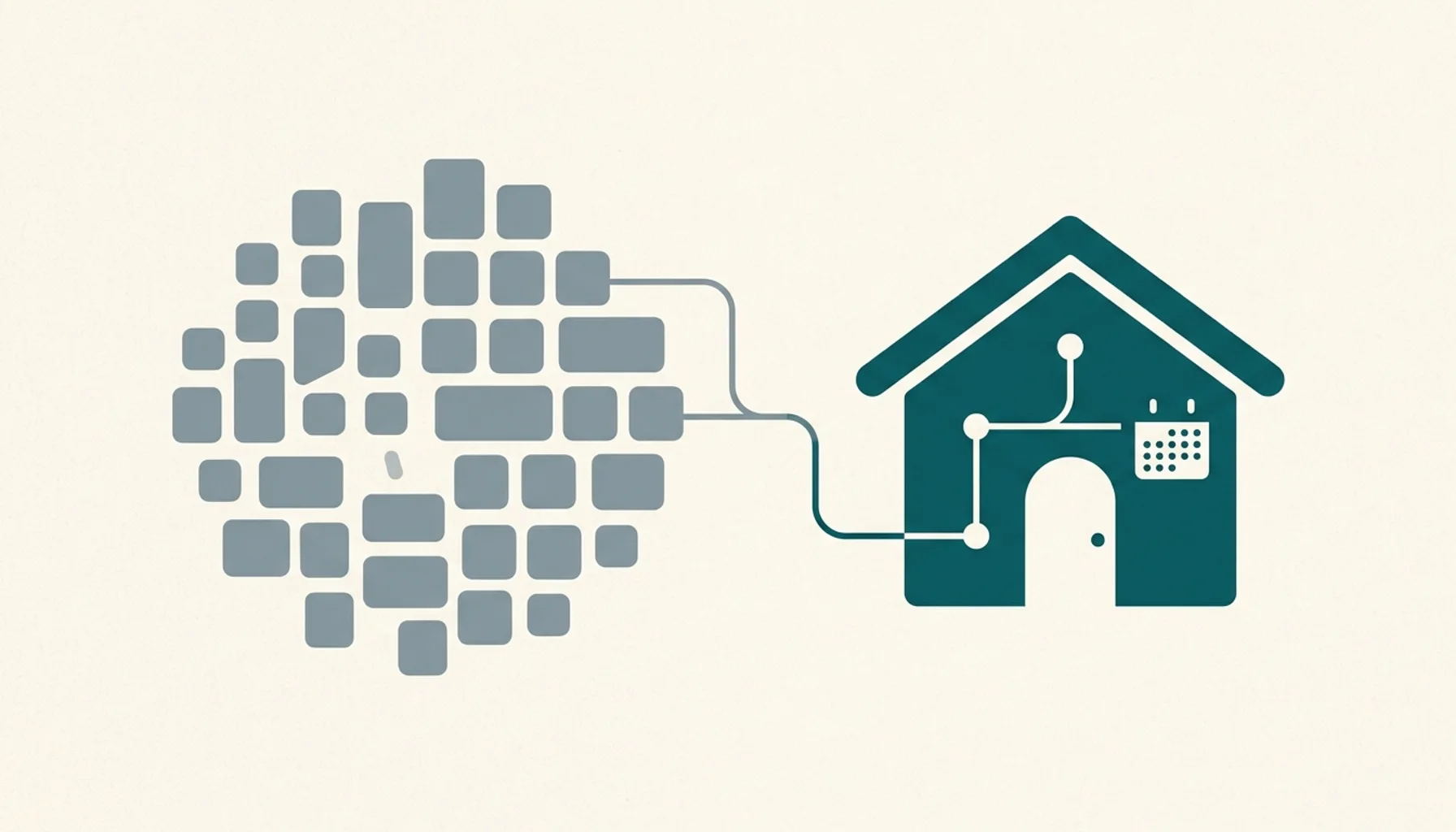
If managing your PMS sync, guest follow-up and website separately takes up too much of your week, Boostly connects all three in one place, backed by a promise: reach 65% direct bookings within 12 months or get your money back plus $1,000. Book a demo with Boostly to see whether your PMS is among the 27+ we integrate with.
Frequently Asked Questions
Is there a tool that integrates direct booking management with my current property software?
Yes. Boostly builds direct booking websites that connect to 27+ property management systems. They sync listings and availability in real time, along with pricing. Check your PMS against the integration list before you start, and ask for a test booking on your own dates before going live.
How do I start a direct booking website for my rental properties?
Start by auditing your PMS for API support, then choose a website that connects to it through a two-way integration. Map your properties and rate plans, connect a payment gateway, test a few dates and monitor early bookings. With Boostly, the build is done for you and goes live within 35 days of signing up.
Is there a platform for building an easy-to-use direct booking channel?
Yes. A done-for-you platform removes the technical setup, including the PMS connection and booking engine. The payment link is handled too. Boostly requires no coding, includes CRM access within 24 hours of signing up, and keeps your OTA listings live alongside the new channel.
What is a direct booking?
A direct booking is a reservation a guest makes on your own website or with you personally, instead of through an OTA. You keep the guest relationship and avoid OTA commissions, which Boostly puts at roughly 15% per booking. A PMS sync keeps those bookings aligned with your other channels.
Do I have to stop listing on OTAs to use a direct booking website?
No. Your OTA listings and your direct site can run side by side as long as both read from one PMS calendar. The sync closes dates on each channel when the other sells them, so you build direct revenue without losing OTA visibility.
Is iCal enough to sync a direct booking website with my PMS?
iCal shares booked dates only and refreshes on a schedule set by each platform, so it leaves gaps for rates, fees and guest details and carries a higher double booking risk. It can work as a fallback for a small setup. For a site that takes payments, an API connection is the safer choice.
What happens if the sync between my website and PMS fails?
Dates can go stale or a reservation can be duplicated until the connection recovers. Block the affected dates in the PMS, compare reservation exports from both systems, and ask your provider for event logs. A tested rollback plan and regular reconciliation limit the damage.