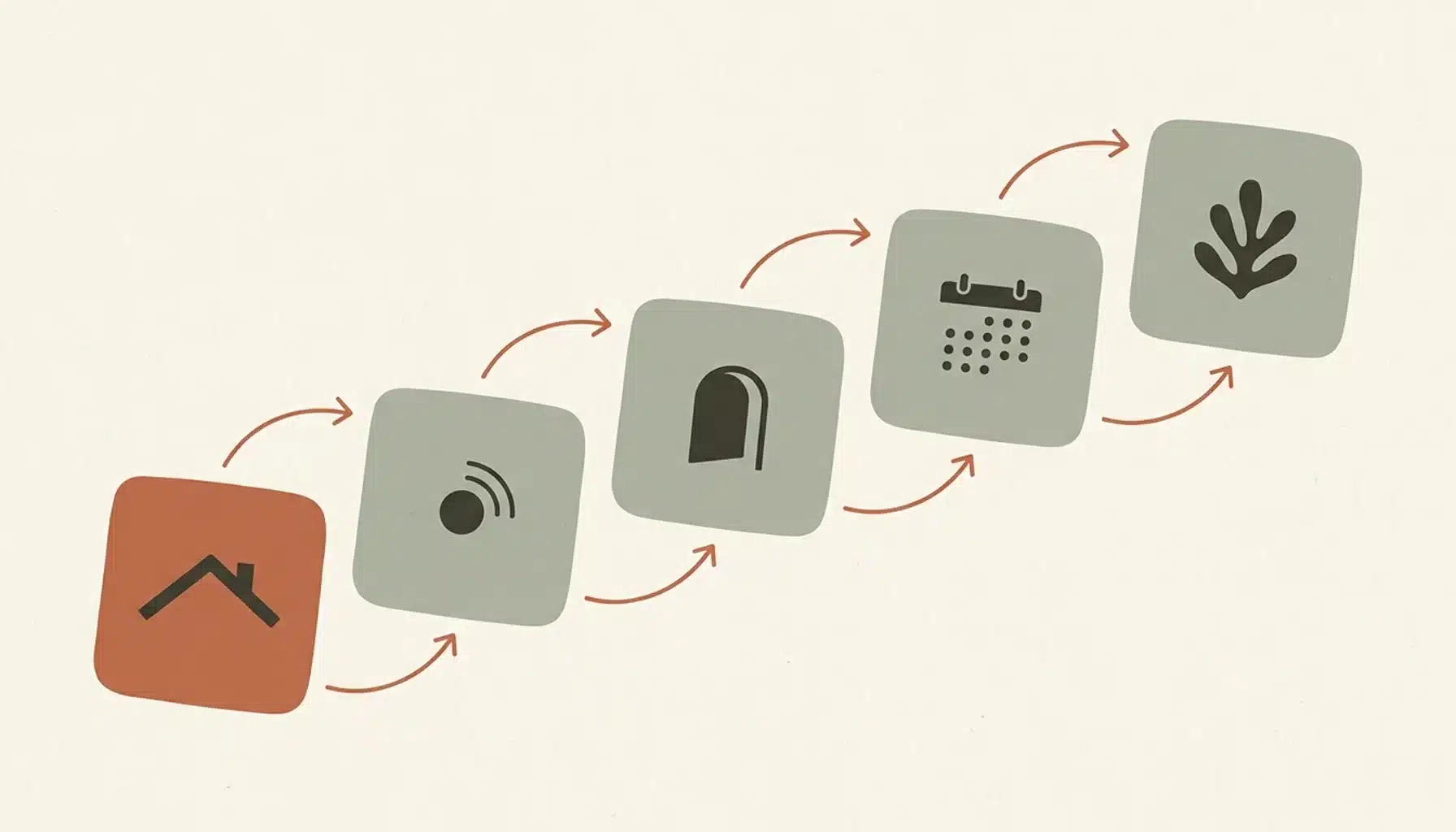
Step-by-step instructions with pictures pair one action per step with one clear photo, numbered in order and captioned in plain English. For a short-term rental, that means guests and cleaners follow check-in, appliances and bookings without messaging you. We at Boostly see hosts lose hours to repeated questions that pictures could have answered.
Key Takeaways
- One action per step and one picture per step, numbered in sequence, is the core of any picture-led guide for check-in, appliances or cleaner turnovers.
- Photograph each step from the point of view of the person doing it, and add a close-up whenever the action involves a small button, slot or clip.
- Use photos for physical objects, annotated screenshots for software steps such as booking direct, and simple diagrams where a photo would show too much clutter.
- Write alt text, keep a text line beside every image, and export a PDF so guests with a weak signal, a screen reader or a printed copy get the same steps.
- Test every guide with someone who has never seen the property, then date it and review it whenever a lock, appliance or booking page changes.
- Boostly builds your direct booking website done for you, live within 35 days with no coding, so picture-led booking steps sit on a channel you own while you keep your Airbnb listing.
Most hosts write their house guide once, as a wall of text, and then answer the same questions by message for years. How do I get in? Which remote controls the TV? A short set of pictures answers each of these before the guest asks.
This guide covers picture instructions for guests arriving at the property and for cleaners running turnovers. It also serves first-time visitors to your direct booking site. The method is the same for all of them. In 2026, assume every guide will be read on a phone, often with a patchy signal.
At Boostly we work with a community of over 2,000 hosts and operators, and the pattern is consistent: strong listings and thin instructions. Too much time goes to repeating answers. The eight steps below fix that, followed by a quick-reference list and an FAQ.
Step 1: What Should You Write Picture Instructions For First?
Picture instructions earn their keep wherever a guest or cleaner would otherwise message you: arrival and access, appliances with unclear controls, house rules with a physical action, and the walkthrough for booking direct. Start with the task that generates the most repeat questions, then work outwards.
Four starting points cover most of what hosts tell us they answer again and again:
- Arrival and access, including key safes, keypads and parking.
- Appliances with unclear controls, such as hobs, heating and coffee machines.
- Physical house rules, such as where the bins go and how to close the property on departure.
- The walkthrough for booking direct on your own site.
The booking walkthrough is the one most hosts skip. A first-time guest on a site they do not know wants to see what checkout looks like before paying. Take an illustrative £200 night: a 15% commission is £30, so ten such nights a month is £300 you never see. Booked direct, you keep it. Boostly helps hosts save that 15% on bookings that would otherwise be lost to OTA commissions, and a short picture guide helps a new guest trust the process.
If you have not built the site yet, our guide on how to build a direct booking website covers the groundwork.
Step 2: How Do You Write Step-by-Step Instructions With Pictures, One Action at a Time?
Step-by-step instructions with pictures break a task into single actions, each paired with one image and one short imperative sentence. If a step contains two actions, split it. Put a warning inside the step it applies to, not in a separate list at the end.
Here is how that looks for a keypad lock:
- Step 1: Touch the keypad to wake it.
- Step 2: Enter the code from your booking message.
- Step 3: Turn the handle down and push the door.
Each line is a verb and an object, nothing else. Delete any step that only labels something, such as “This is the lock”; the picture already does that job. Keep to one voice and one tense across the whole guide so guests never wonder who is talking.
Write the sequence for one property first and finish it before copying it to others. When we coach hosts on our weekly training calls at Boostly, we see that multi-unit operators who copy half-finished guides across units end up with inconsistent versions that nobody trusts. If you manage from a distance, our piece on tactics to manage your STR properties remotely covers the wider routine these guides support.
Step 3: How Do You Capture Photos Guests Can Follow?
Capturing instruction photos means shooting each step from the viewpoint of the person doing it, in even light. Frame the control or object clearly. Hold your phone at chest height, and take a second close-up whenever the action involves a small button, slot, tab or clip.
Shoot every step in a single session so the light and the room look consistent. Switch on the room lights and open the curtains. Tidy the surface first, because a stray bag or box in frame draws the eye away from the control. Keep your phone in portrait orientation, because that is how most guests will read the guide.
- Show the state after the action as well as before, so guests can confirm they did it right.
- Keep people out of frame, including yourself and past guests.
- If you miss a shot, record a short video once and extract still frames afterwards.
Shooting the property carefully once also gives you reference material for your direct site. Boostly builds that site for you, with no coding. You go live within 35 days of signing up, so you are not learning web tools while you photograph the kitchen.
Step 4: How Do You Annotate, Number and Caption Each Picture?
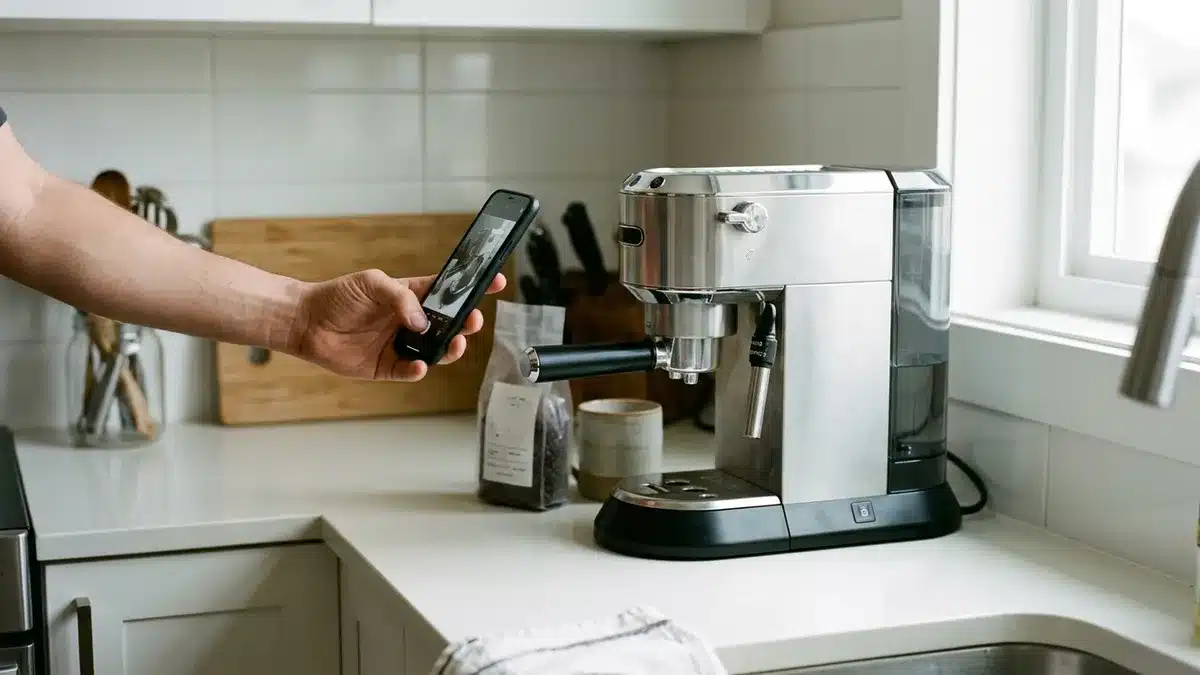
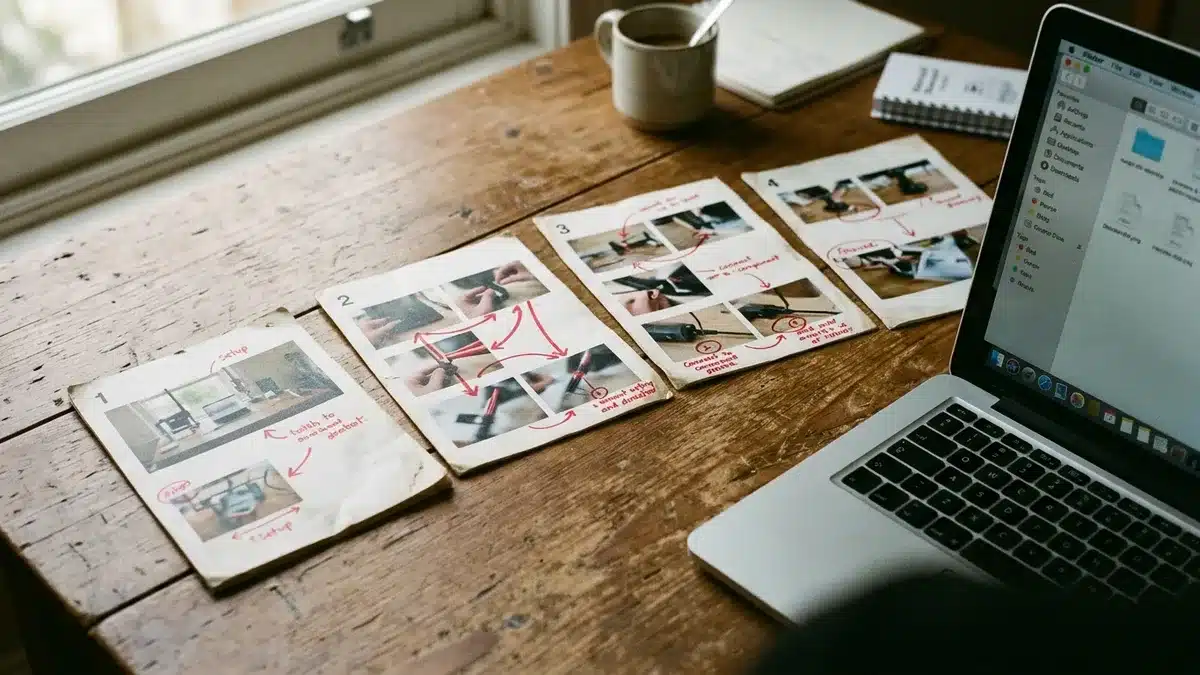
Annotation means adding arrows or highlights to a photo, sometimes with a short label, so the eye lands on the right control. Number each panel near the top left, match arrows to the direction of the motion, and keep callouts for details too small to see at the main scale.
Restraint matters. A photo with six arrows tells the guest nothing; one arrow pointing at one button does. Place any warning icon inside the panel it relates to, so a guest reading step four sees the hot-surface warning for step four and not a general note on page one.
Write each caption as one imperative sentence, as if you were standing next to the guest. “Press and hold the left button until the light turns green” works. “The left button is used for activation” does not. Keep the caption in real text under the image rather than baked into the picture. That way it can be read aloud and translated, and it stays searchable.
Members at Boostly get AI tools and templates that turn rough notes into a clean first draft of wording. Treat that draft as a starting point and check each caption against the real property, because the tool cannot see your lock. This is a modest benefit for this topic, but a useful one when you write guides for several units.
Step 5: Should You Use Photos, Screenshots or Diagrams?
The right format depends on what the step shows: photos suit physical objects and annotated screenshots suit software. Diagrams or illustrations suit steps where a photo would show too much clutter. Pick one format per guide wherever possible so the sequence looks consistent from step one to the last.
| Format | Best for | Trade-off |
|---|---|---|
| Photo | Locks, appliances, bins, parking spots | Needs good light and a tidy frame; goes stale if you change the item |
| Annotated screenshot | Booking on your site, joining WiFi, using a smart TV menu | Goes out of date when the screen changes, so date each one |
| Diagram or illustration | Fuse boxes, plumbing shut-offs, room layouts | Takes longer to produce; can look less trustworthy than a real photo |
| Short video clip | Motions that photos cannot show, such as a stiff door | Needs a good signal; always pair with a still image and text |
For the direct booking walkthrough, annotated screenshots of your own checkout page work best. Guests hesitate to pay a site they do not know, and visible policies plus a clear picture of the secure card payment step close much of that gap. Boostly’s booking engine includes secure card payments, so you can show the real screen rather than a mock-up.
Step 6: Which Tools Work for Making Picture Instructions?
Tools for picture instructions fall into four groups: your phone camera, built-in screenshot and markup tools, slide or document editors, and dedicated guide-builder apps that capture and number steps for you. Free options usually cover a single property; paid apps earn their place when you maintain many guides.
- Phone camera and markup: free, fast and enough for most arrival guides. Weak on consistency across many units.
- Screenshot tools: ideal for software steps. Arrows and highlights are quick; versioning is manual.
- Slide or document editors: good for laying out numbered panels and exporting to PDF. Layout takes time.
- Guide-builder apps: capture each click and generate numbered steps. Worth paying for if screens change often.
Skip stock photo libraries for property instructions. A stock kitchen is someone else’s kitchen, and a guest staring at the wrong hob loses trust quickly. Stock images belong in decorative spots, never in a step.
Where we draw the line at Boostly: a guide tool handles your manuals, while our done-for-you site, CRM and training handle booking and follow-up. The best option for most hosts is the cheapest tool you will keep updating, with your attention going to the channel that earns the money back. Our 80+ hours of courses cover that side.
Step 7: How Do You Make Picture Instructions Accessible, Printable and Easy to Share?
Accessible picture instructions pair every image with text, so a guest using a screen reader or a printed copy gets the same steps. A weak signal does not change that. Write alt text that describes the action and the object, and never rely on colour alone to mark a warning.
A good alt text reads like this: “Hand pressing the green start button on the front of the coffee machine.” It says what is happening, not “photo of coffee machine”. Keep body text large enough to read on a phone without zooming, and check that the guide still makes sense in black and white, because many guests will print it.
- PDF export: use a standard page size, keep the file small enough to open on mobile data, and name it clearly.
- QR code: put one on the fridge or by the door linking to the digital version.
- WiFi: guests ask for it first; our piece on WiFi for guests explains why it matters, and a tool such as the StayFi WiFi capture system can collect emails with consent. Privacy rules differ across the UK, Europe and North America, so check yours.
In-stay messages usually come from your PMS. Boostly connects to 27+ property management systems with real-time sync, so your PMS keeps sending arrival messages while Boostly’s CRM and automated email and SMS handle follow-up after the stay. Our overview of guest services software shows how the pieces fit.
Step 8: How Do You Test and Update Your Picture Instructions?
Testing a picture guide means handing it to someone who has never seen the property and watching where they hesitate, without helping. Every hesitation points to a step that needs a clearer image or a split action. Sometimes it just needs a better caption.
- Choose a tester who is not a friend of the property: a neighbour or a new cleaner works.
- Give them one task, such as “get in and make a coffee”.
- Stay silent and note every pause, wrong tap or question.
- Fix the step, then retest it with a different person.
Then version the guide. Date every screenshot, store the original photo next to the edited one, and review the guide whenever you change a lock, an appliance or your booking page. Set a regular review date as well, because screens change without telling you.
Which mistakes ruin picture instructions?
- Two actions in one step, so guests do only the first.
- No close-up of a small button, so guests press the wrong one.
- Outdated screenshots that no longer match the screen.
- Too many arrows and labels on one photo.
- Text locked inside images, which screen readers cannot read.
- Stock photos instead of your own property.
Guest reviews often reveal where a step confuses people. Boostly’s review and reputation tools help you gather feedback on direct stays, which gives you a steady source of fixes for the next version.
What Is the Quick Version of All Eight Steps?
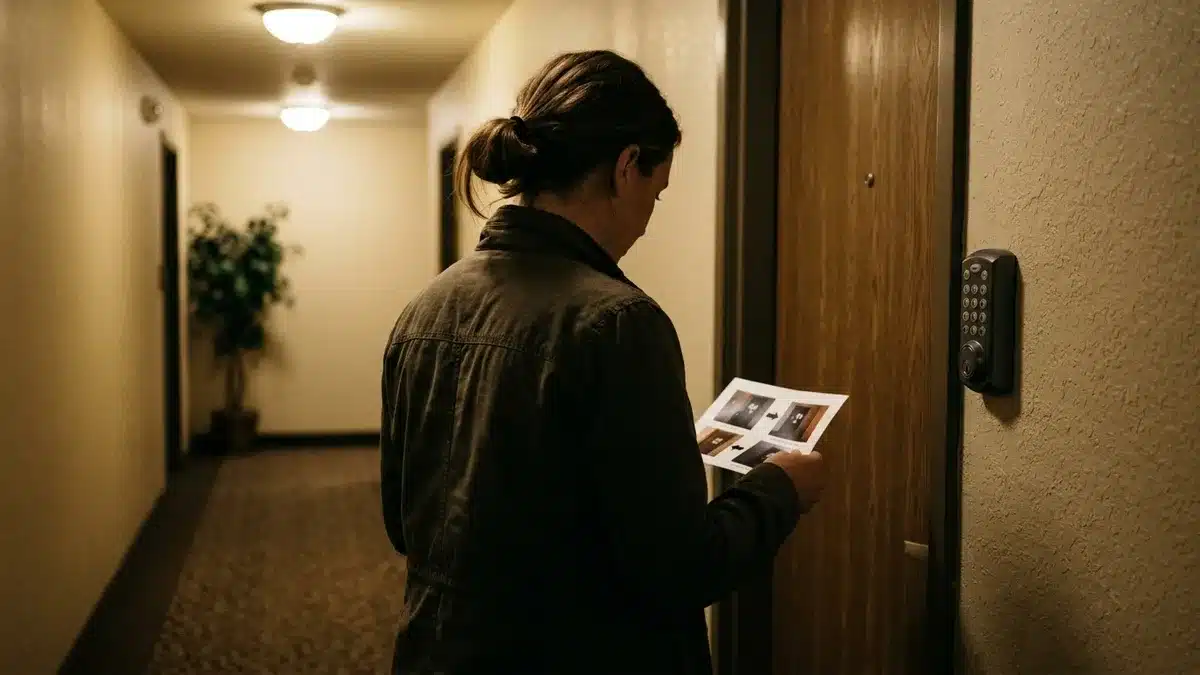
The quick version: pick the task that causes the most questions, and write single-action steps. Photograph each step from the user’s viewpoint and annotate sparingly. Choose one format, use simple tools, make it accessible and printable, then test and date it. Use this list as a checklist for every new guide.
- Choose the task that triggers the most repeat questions, including the direct booking walkthrough.
- Write one action per step in short imperative sentences, with warnings attached to the step they affect.
- Photograph each step from the user’s point of view, with a close-up for small controls.
- Number each panel, add minimal arrows and caption each one in real text.
- Match format to subject: photos for objects, screenshots for software, diagrams for clutter.
- Use the simplest tool you will keep updating, and avoid stock images.
- Add alt text, check black-and-white legibility, export a PDF and add a QR code.
- Test with a newcomer, date every screenshot and review whenever something changes.
Frequently Asked Questions
How do you create step-by-step instructions with pictures?
List the task, split it into single actions, then photograph each action from the user’s viewpoint. Number the images, add a short imperative caption under each one and test the guide with someone new. Export it to PDF and a web page so guests can use whichever suits them. Start with the task that causes the most repeat messages, because that guide pays back your time fastest.
How many pictures should a step-by-step guide include?
Include one picture per action, plus a close-up where a control is small. There is no fixed number, because the count follows the steps. If a guide feels too long, you have probably packed in extra actions that need splitting or removing. A keypad entry might need three pictures; a hob with a child lock might need six.
Should step-by-step instructions use photos or illustrations?
Use photos for real objects in your property, because guests trust what they will see. Use illustrations or diagrams where a photo would show clutter or hidden parts, such as a fuse box. Keep one style per guide so the sequence looks consistent.
What free tools can I use to make picture instructions?
Your phone camera and the built-in screenshot and markup tools on your phone or computer are enough for most single properties. A free slide or document editor helps too. Paid guide-builder apps become useful when you manage many guides or update screenshots often. Start free, and pay only once updating by hand becomes the bottleneck.
How do you export step-by-step instructions to PDF?
Lay the guide out in a slide or document editor, then use its export or print-to-PDF option. Keep the file small enough to open on mobile data and check the pages in black and white. Name the file clearly so guests can find it in their downloads. Open the finished file on your own phone before you send it to anyone.
What is Boostly, and which software includes a direct booking website and CRM?
Boostly is a London-based direct booking website platform for short-term rental hosts and property managers. It includes a done-for-you direct booking website, a built-in CRM with automated email and SMS follow-up, and integrations with 27+ property management systems. It sits alongside your PMS and does not replace it.
How much does Boostly cost for vacation rental owners?
Pricing is not listed in this article, so confirm the current figure with the team in a demo. Setup is done for you, with the site live within 35 days of signing up and CRM access within 24 hours.
What Should You Do Next?
Step-by-step instructions with pictures work when each step holds one action and one clear image with a short caption. They also work when you test the result with a newcomer. Start with the question you answer most often this month, build that guide first, and date it so you know when to review it in 2026 and beyond.
The same discipline applies to booking direct. A clear picture guide to your checkout helps first-time guests trust a site they do not know, and every direct booking keeps the 15% that would otherwise go to commission.
If you want the booking side handled as carefully as your guest guides, Book a Demo with Boostly. We will walk through the direct booking website and the built-in CRM, including how it connects to your PMS, while you keep your Airbnb listing. Boostly states: “You will get to 65% direct bookings in a year.”