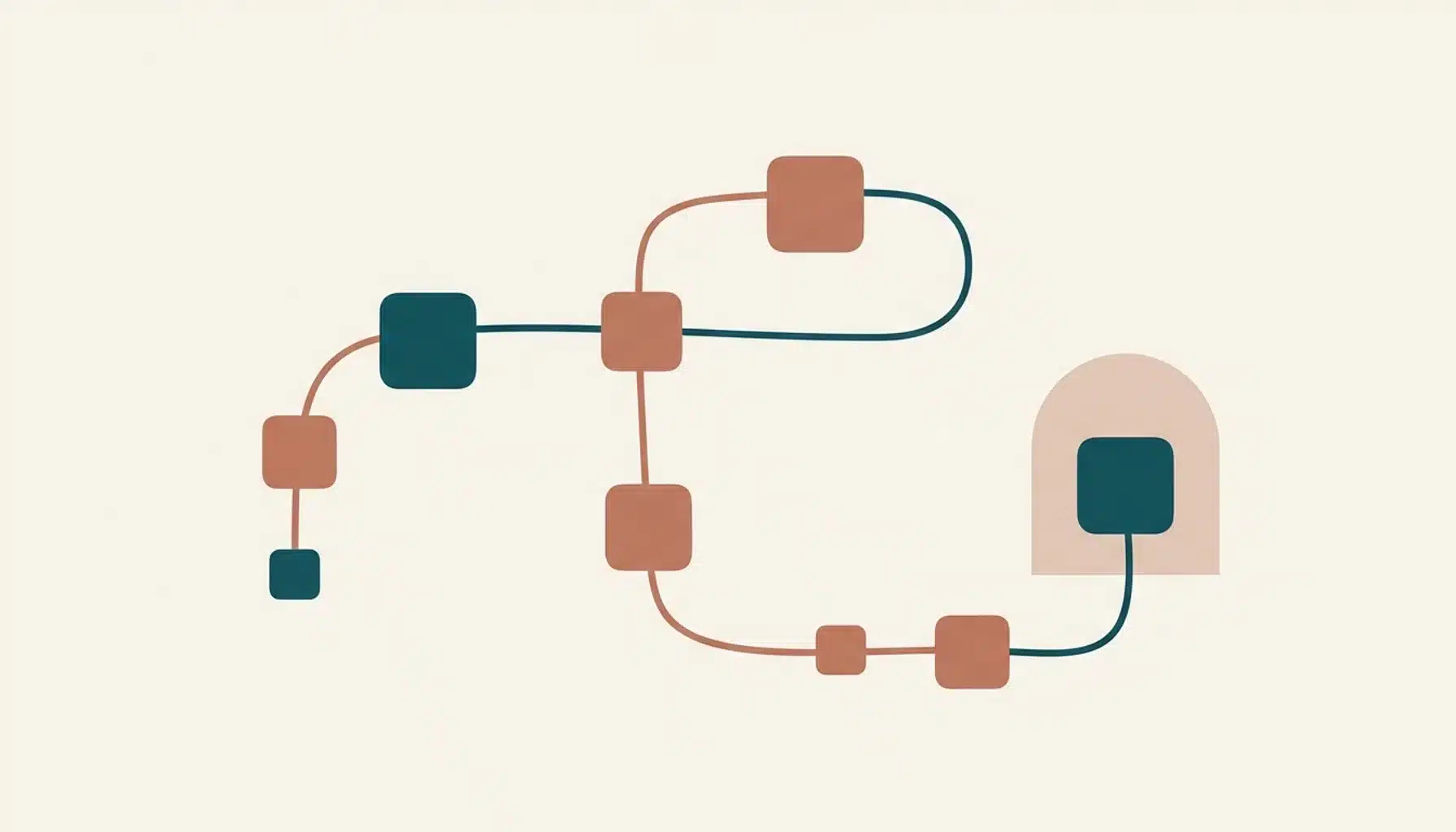
A booking message template is a pre-written, reusable script that a short-term rental host sends a guest at a specific point in the reservation lifecycle, such as confirmation, pre-arrival, check-in, or post-stay follow-up. Good templates use placeholders like [Guest Name], [Check-in Time], and [Property Address] so hosts can personalise fast without retyping the same information every time.
Key Takeaways
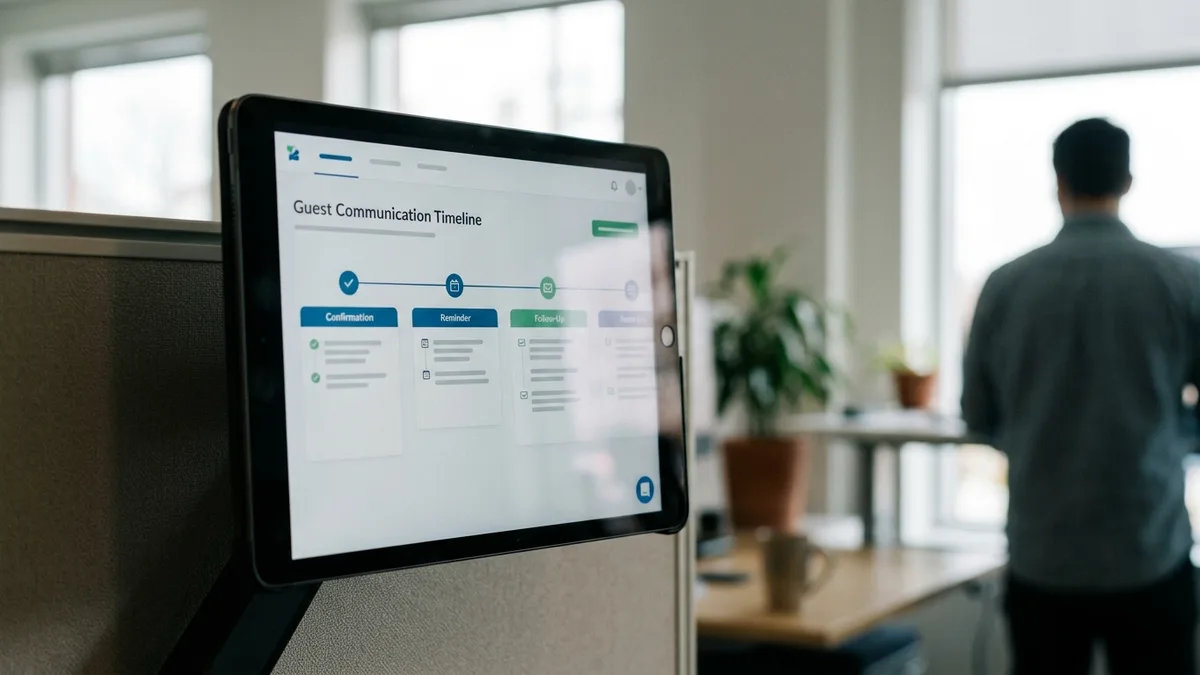
- A complete booking message system covers at least seven touchpoints: inquiry, confirmation, pre-arrival, check-in, mid-stay, checkout, and post-stay follow-up.
- Every template should include the booking reference, dates, address or access details, payment status, and a cancellation policy link, regardless of channel.
- Channel matters: email, SMS, WhatsApp, and Airbnb inbox messages need different lengths and tones even when the underlying information is identical.
- Airbnb's host-only fee runs around 15.5% on a typical booking, which is one reason hosts build message sequences that nudge guests toward direct channels for repeat stays.
- A 200-guest email list with a 15% annual repeat rate can generate roughly 30 commission-free bookings a year, showing why message templates tied to a real guest database compound in value.
- Boostly's built-in CRM captures guest data at booking and automates follow-up sequences across the same lifecycle stages, so hosts are not rebuilding this system from scratch in a spreadsheet.
If you have ever typed the same check-in instructions for the fortieth time, you already understand why booking message templates exist. Manually writing every guest message does not scale past a handful of bookings a month, and inconsistent messaging is one of the fastest ways to lose a five-star review over something as small as a missing Wi-Fi password.
In 2026, guest expectations have only gone up. Travellers who book through Airbnb are used to instant, professional replies, and they judge a direct booking site by the same bar. A host who sends a warm, well-structured booking message within minutes of a reservation signals competence before the guest ever sets foot on the property.
This walkthrough covers the full lifecycle: what to send before a guest books, what to send the moment they confirm, and how to structure automatic replies so nothing falls through the cracks. We will also flag where channel choice changes what you should actually write.
How to Write a Booking Message?
Writing a booking message means combining four fixed elements every time: a specific piece of information (dates, price, address), a clear next action for the guest, a warm but efficient tone, and a placeholder structure that lets you reuse the copy across every reservation. Skipping any one of these makes the message feel either robotic or incomplete.
Start with the booking reference and dates, since guests scan for these first. Then state what happened in one sentence. Follow with the practical detail: check-in time, address, or a link to full house rules. Close with a single, clear call to action, such as “reply here with your estimated arrival time.”
Structured fields matter more than clever phrasing. Industry templates for guest communication commonly expose fields such as guest name, arrival and departure dates, and check-in and checkout times as separate variables rather than baking them into a paragraph. This makes the same template usable whether you are messaging through email, SMS, or an OTA inbox.
Here is a simple confirmation skeleton that works across most channels:
- Greeting with guest first name
- Booking ID and dates confirmed
- Total price and payment status (paid in full, deposit received, balance due)
- Property address or a note that full access details arrive closer to check-in
- Cancellation policy link or summary
- Contact method for questions
At Boostly, we build this structure directly into the CRM that ships with every direct booking website, so hosts are not reinventing the skeleton for each new reservation.
What Should a Guest Booking Message Include?
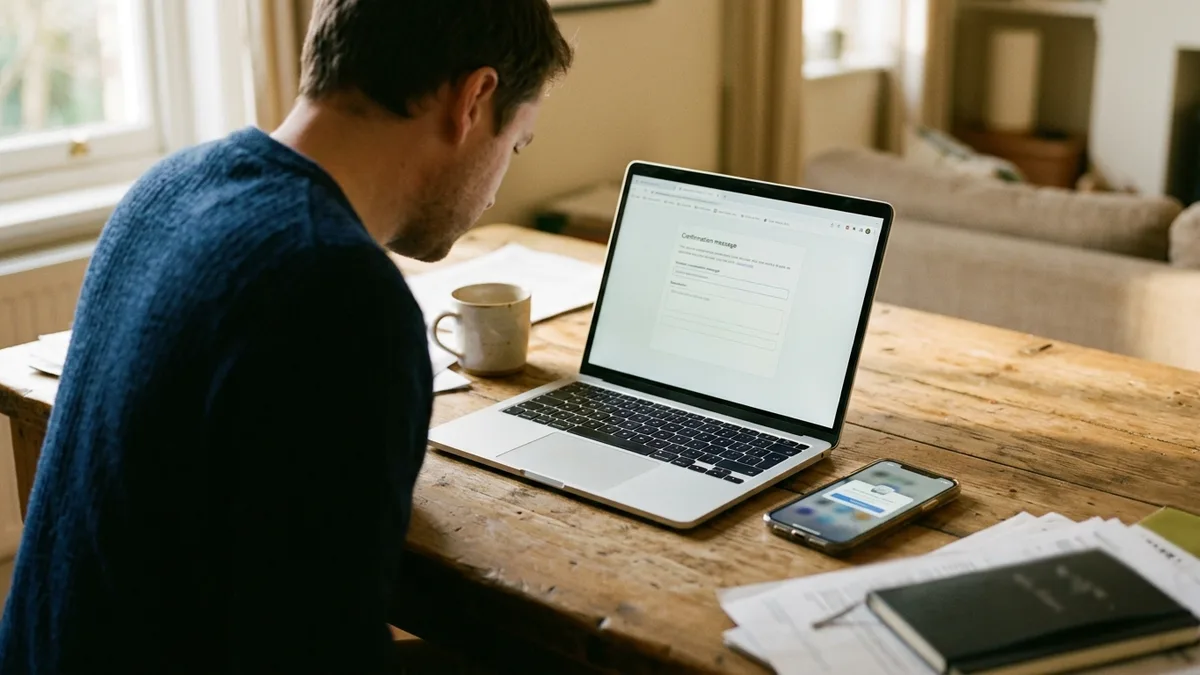
A guest booking message should include the booking reference, exact dates, total cost with payment status, property address or access notes, and a cancellation policy reference, at minimum. Anything beyond that is helpful context, not a requirement, and adding too much turns a quick confirmation into an email nobody reads fully.
Beyond the core fields, most experienced hosts add situational details depending on the property type. For a vacation rental, that typically means parking instructions and a note about quiet hours, with Wi-Fi credentials held back until closer to arrival for security. For an appointment-style booking, industry guidance distinguishes between a confirmation message sent immediately and a reminder sent 24 to 48 hours beforehand, which is a distinction hosts often blur by accident.
One thing top-performing templates get right that a lot of DIY messages miss: they separate “what you need to know now” from “what you need to know later.” Do not send the door code in the same message as the initial confirmation. Save it for a pre-arrival message 24 to 48 hours out, when the guest is about to need it.
| Field | When to Send | Why It Matters |
|---|---|---|
| Booking ID and dates | Immediately on confirmation | Guest reference point for all future contact |
| Total cost and payment status | Immediately on confirmation | Prevents disputes about what was paid |
| Address and directions | Confirmation, repeated pre-arrival | Reduces “where is this?” messages |
| Door code or lockbox details | 24 to 48 hours before arrival | Security and reduces early-access confusion |
| Cancellation policy | Confirmation | Sets expectations and reduces refund disputes |
This is exactly the sequencing logic we designed into Boostly's automated guest follow-up tools, so the door code never goes out too early and the cancellation policy is never missing.
What Is a Good Automatic Reply Message?
A good automatic reply message acknowledges receipt of an inquiry within minutes, sets a specific expectation for a full human response, and includes at least one piece of useful information the guest can act on immediately, such as availability status. A weak auto-reply just says “thanks for your message” and leaves the guest waiting blind.
The best automatic replies do three things in under 50 words. First, confirm the inquiry arrived. Second, give a realistic response window, for example “we typically reply within two hours during the day.” Third, offer a self-serve option, like a link to your direct booking site's availability calendar, so the guest is not stuck waiting on you for basic questions.
Automatic replies also matter for pre-booking questions, not just post-booking confirmations. A guest asking “is this available the second week of July” deserves an instant acknowledgement even if you cannot check calendars manually at 11pm. This is precisely the gap that costs OTA-dependent hosts inquiries: a slow reply on Airbnb often means the guest has already messaged three other listings.
Because Boostly integrates with 27 or more property management systems and syncs availability in real time, an automatic reply built into the CRM can reference current availability instead of a stale calendar, which is a common failure point for hosts running disconnected tools.
What Is a Good Pre-Booking Message for an Airbnb Host?
A good pre-booking message for an Airbnb host answers the guest's actual question first, then builds trust with one or two specific, verifiable details about the property, and ends with a low-friction next step. Generic “thanks for your interest” replies rarely convert a browsing guest into a confirmed booking.
Specificity wins here. If a guest asks about parking, do not say “parking is available.” Say “there are two dedicated spots in the driveway, no permit needed.” If they ask about a late checkout, give a direct yes, no, or “depends on the next booking, I'll confirm by [date]” rather than a vague maybe.
Pre-booking messages are also where hosts plant the seed for future direct bookings without being pushy. A simple line like “if you enjoy your stay, we'd love to have you back directly next time” costs nothing and starts building the guest relationship a host will later nurture through email or SMS. Over time, that relationship is what feeds the kind of repeat-booking economics described above: a 200-guest list converting at a 15% annual repeat rate into roughly 30 commission-free bookings a year.
We built Boostly's CRM and template library so hosts can draft this kind of pre-booking response once, adapt it in seconds per inquiry, and still sound like a real person.
What Is a Good Greeting Message for a Hotel Guest (and What Does It Mean for STR Hosts)?
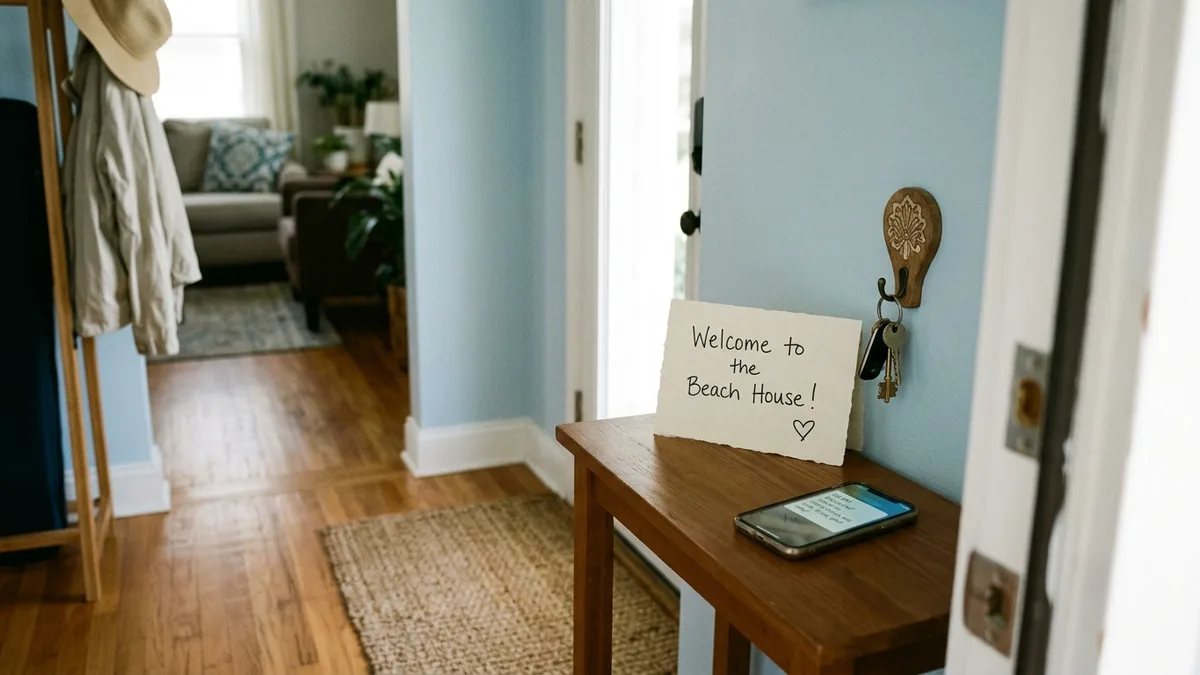
A good greeting message for a hotel or short-term rental guest confirms arrival details, offers a warm and specific welcome, and points to one immediate resource, such as a house manual link. For STR hosts, the equivalent is the check-in day message that lands the morning of arrival.
The strongest greeting messages avoid generic phrasing like “welcome to our property.” Instead, they reference something concrete: the neighbourhood, or a small touch waiting for the guest (“there's a bottle of water in the fridge for you”). This small detail is one of the clearest signals to a guest that a real person is managing the property rather than a faceless system.
For STR hosts specifically, the check-in day message should include exact access instructions, the Wi-Fi name and password, an emergency contact number, and a note about when a mid-stay check-in message will follow, if any. Sending this as a scheduled message the morning of arrival, rather than manually each time, removes one of the most repetitive parts of hosting.
Boostly's automation timing tools schedule this exact message type to fire on arrival day without a host needing to remember, which matters most for remote owners managing properties they rarely visit in person.
How Does a Booking Message Template Change by Channel?
A booking message template needs different formatting depending on the channel. Email supports longer, structured messages with headers and links. SMS and WhatsApp demand short, direct copy under a couple of sentences. OTA inbox messages, on Airbnb or Booking.com, must stay within that platform's messaging rules and often cannot include outside links.
Email is the right channel for anything detailed: full house manuals, itemised invoices, and pre-arrival packets with multiple attachments. Because email supports formatting, this is also where a booking confirmation can look professional, closer to what a guest expects from a hotel than a casual host.
SMS and WhatsApp work best for anything time-sensitive and short: a reminder the morning of arrival, a door code delivered at a specific hour, or a quick “we're 10 minutes out” from a guest. A restaurant SMS confirmation example in the wild runs under 100 characters and still manages to include the date, time, and party size, proof that brevity and completeness are not mutually exclusive.
Airbnb and Booking.com inbox messages sit somewhere in between; they need to be complete enough to answer the guest's question but cannot rely on external links for critical information, since guests may not click through. This is one reason a direct booking channel matters: on your own site, you control the message format entirely.
| Channel | Ideal Length | Best Use Case | Limitation |
|---|---|---|---|
| 150 to 400 words | Full confirmation, house manual, invoice | Can be skimmed or missed if inbox is busy | |
| SMS | Under 160 characters | Reminders, door codes, urgent updates | No room for detailed policy text |
| 1 to 3 short sentences | Two-way arrival coordination | Requires guest to have the app | |
| Airbnb/Booking.com inbox | Platform-dependent, concise | Pre-booking questions, in-platform confirmations | Restricted links and contact info |
What Belongs in a Reschedule or Cancellation Message?
A reschedule or cancellation message must state the change clearly in the first sentence, confirm any refund or credit amount and timeline, and restate the updated booking details if the reservation moved rather than cancelled. Burying the actual outcome in the third paragraph is the single biggest mistake hosts make with this message type.
For cancellations, specify the policy that applies to this stay's specific terms, the refund amount if applicable, and the processing timeframe. If a partial credit or future-stay voucher is offered instead of cash, say so explicitly and give it an expiry date.
For reschedules, resend the full confirmation details along with the updated dates and price, since guests rarely remember what changed after the fact. Treat a rescheduled booking message the same way you would a brand-new confirmation, not as a quick add-on note.
This is one of the areas where manual messaging breaks down fastest for multi-property hosts, since it is easy to update a calendar but forget to send the corresponding guest message. Boostly's real-time PMS sync means the booking record and the guest-facing message stay aligned automatically when a date changes.
How Do You Handle Accessibility, Language, and Time Zones in Booking Messages?
Accessibility, localisation, and time-zone handling in booking messages mean writing dates and times unambiguously and offering translation where your guest base is international. These details are frequently missing from generic template libraries, and they matter more as direct booking traffic grows internationally.
Always write times with the time zone attached: “3:00 PM local time (property time zone)” rather than a bare number. A guest travelling from another region will not automatically know which clock you mean, and a missed check-in window over a time zone mix-up is entirely avoidable.
For hosts with a meaningfully international guest base, keep sentences short and avoid idioms, which translate poorly even with automated tools. If you serve guests across the UK, Europe, and North America, as many Boostly-supported direct booking sites do, plain, literal phrasing reads better across the board than colourful language.
On consent: any marketing message sent to a past guest, not a transactional booking confirmation, should follow applicable data protection rules such as GDPR in the UK and EU or CCPA in parts of the US, which generally require clear consent before adding someone to a marketing list. Boostly's CRM is built with this separation in mind, keeping transactional booking messages distinct from opt-in marketing sequences.
How Does Booking Message Tone Change by Industry?
Booking message tone shifts depending on the type of business, even though the underlying structure stays consistent. A short-term rental confirmation can be warm and personal, while a healthcare appointment reminder needs to be formal and privacy-conscious, and a restaurant confirmation can be brief and casual.
Vacation rental and Airbnb-style messages tend to work best with a personal, first-name tone, since guests are choosing a home-away-from-home experience over a transactional one. Salons and tour operators can sit somewhere in the middle, friendly but efficient. Healthcare providers, by contrast, generally need to include duration, location or telehealth status, and cancellation terms without embellishment, prioritising clarity over warmth.
For STR hosts specifically, matching tone to property type also matters. A boutique design-forward rental can use a more distinctive voice than a straightforward budget apartment; the message should feel consistent with how the listing itself is marketed. A stiff corporate-sounding message for a quirky boutique stay undercuts the brand you have built on your direct booking website.
What's the Real ROI of a Structured Booking Message System?
The return on a structured booking message system comes primarily from two places: fewer support questions that eat host time, and a higher share of guests converting to direct, commission-free repeat bookings. Both compound as your guest list grows, unlike a one-time marketing push.
On the cost side, Airbnb's host-only fee runs around 15.5% on a typical booking, meaning a $2,000 stay costs the host roughly $310 in commission. A repeat guest who books directly instead only pays payment processing, roughly $58 on a $2,000 booking using a standard 2.9% card-processing rate, a saving in the range of $310 to $640 per repeat stay depending on the original OTA fee structure.
Scale that across a guest list and the numbers add up quickly. Ten repeat direct bookings a year can recover between $2,520 and $5,820 that would otherwise have gone to an OTA in commission. None of that is possible without a booking message system that actually captures guest contact details and follows up automatically, since a guest you cannot reach again has no reason to skip Airbnb next time.
This is the exact mechanism behind Boostly's guarantee: hosts who don't reach 65% direct bookings within 12 months get their money back plus $1,000, because the CRM and messaging automation are built to move guests from a one-time OTA booking into a repeat direct relationship.
What Are the Most Common Booking Message Mistakes?
The most common booking message mistakes are sending too much information too early, forgetting to update messages when a booking changes, and failing to separate transactional messages from marketing ones. Each of these is fixable with a template system rather than manual, one-off writing.
- Sending the door code with the confirmation. Wait until 24 to 48 hours before arrival, when the guest actually needs it.
- Writing one generic template for every channel. A message built for email reads oddly on SMS, and vice versa.
- Skipping the cancellation policy on confirmation. This is the single most common source of refund disputes.
- Not updating the message after a reschedule. Guests act on the last message they received, not the most current calendar.
- Mixing marketing and transactional messages. A booking confirmation should never double as a promotional email, which risks consent issues and reads as unprofessional.
Multi-property operators feel these mistakes the most, since a manual process that works for one unit breaks down fast across five or ten. That is one reason property managers we work with lean on systems built for remote, multi-property management rather than trying to track message timing in a spreadsheet.
How Do You Choose Booking Message Software That Actually Fits Your Portfolio?
Choosing booking message software comes down to three questions: does it sync with your existing property management system in real time, does it separate transactional messages from marketing sequences automatically, and does it give you a genuine guest database you own rather than one locked inside an OTA's messaging system?
A tool that only handles Airbnb inbox automation solves half the problem, since it does not help you build the direct-booking relationship that reduces OTA fee exposure over time. Look instead for a system where message templates, guest CRM, and your booking website work as one connected stack rather than three separate subscriptions.
For solo hosts with one or two units, a lighter, self-managed approach might be enough while you test whether direct bookings are worth pursuing more seriously, and that's a fair starting point. For multi-property operators and portfolio-scaling investors, the manual overhead of stitching together separate messaging, PMS, and website tools becomes the actual bottleneck, not the message copy itself.
Boostly connects the message and CRM layer directly to your PMS across 27 or more integrations, with new members getting CRM access within 24 hours of signing up, so the templates in this guide are ready to use against real, synced booking data from day one.
Frequently Asked Questions
Is there a platform for building an easy-to-use direct booking channel?
Yes. Boostly builds fully optimised direct booking websites for short-term rental hosts with no coding required, getting hosts live within 35 days, and pairs the site with a CRM that handles guest messaging templates and automated follow-up.
How do I establish a direct booking website for my rental properties?
Most hosts start by choosing a platform that connects to their existing PMS and builds a conversion-focused website without custom development, including guest messaging automation from launch. Boostly handles this as a done-for-you build, syncing listings, availability, and pricing in real time across 27 or more PMS integrations.
Are there guides or tools to help set up a direct booking system on my website?
Yes. Boostly members get AI tools, message templates, and weekly training calls, plus a library of over 80 hours of courses covering direct booking strategy, in addition to the done-for-you website build itself.
How do I start a direct booking website?
Start by defining what information every guest message needs, such as dates, price, address, and cancellation policy, then choose a website and CRM system that syncs with your PMS so those messages reflect live booking data rather than a manually updated spreadsheet.
Is there a tool that integrates direct booking management with my current property software?
Boostly integrates with 27 or more property management systems, syncing listings, availability, and pricing in real time, so booking message templates draw on current data rather than information that has to be manually re-entered across systems.
What is a good automatic reply message for a booking inquiry?
A good automatic reply confirms the inquiry arrived, states a realistic response window such as a couple of hours, and offers a self-serve option like a live availability calendar link, so the guest is not left waiting on a manual reply.
What should a booking confirmation message always include?
A booking confirmation should always include the booking reference number, exact dates, total cost and payment status, the property address or a note that access details follow closer to arrival, and a cancellation policy reference.
Conclusion
A booking message template only earns its place if it saves you time without losing the personal detail that makes a guest trust a direct booking site as much as an OTA listing. Cover the full lifecycle from inquiry through follow-up, match tone and length to the channel, and keep the door code out of the first message.
The commercial case is straightforward: Airbnb's host-only fee runs roughly 15.5% on a typical booking, and every repeat guest you convert to a direct stay through a well-timed message sequence keeps most of that margin in your pocket instead. In 2026, with guest expectations for instant, professional communication higher than ever, a manual approach to messaging is one of the easier operational gaps to close.
Reducing your reliance on OTAs isn't about abandoning Airbnb. It's about building a second channel that keeps more of every booking in your pocket. The hosts who do this well combine a converting website, real-time PMS sync, and consistent guest follow-up. That's the exact system Boostly was built to deliver.
If chasing down guest messages manually across email, SMS, and your OTA inbox is taking up hours of your week, Boostly connects your booking templates directly to a CRM synced with your PMS, backed by a guarantee of 65% direct bookings within 12 months or your money back plus $1,000. Book a demo to see the message automation workflow set up against your own properties.